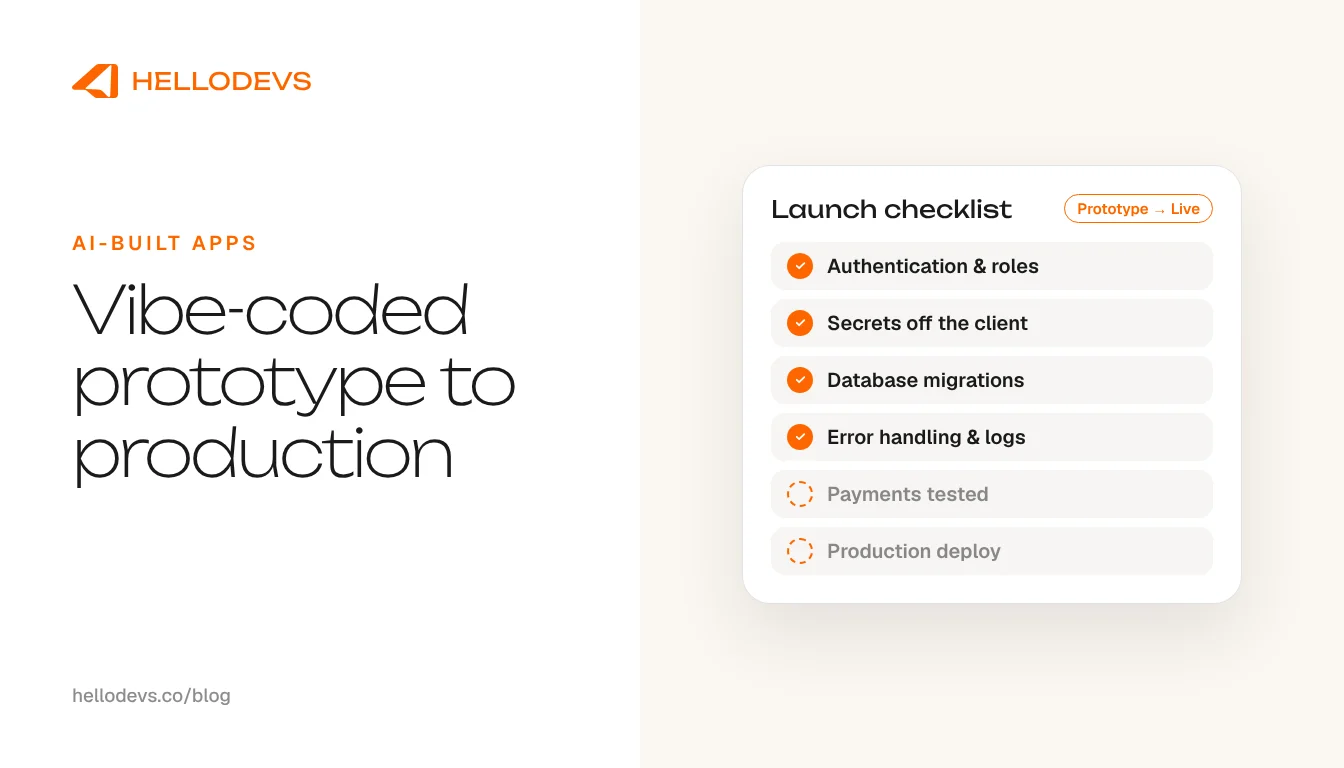
From Vibe Coded App to Production: What Stands in the Way

HelloDevs
Oct 15, 2026
You built a vibe coded app. It works in the demo, the people you showed it to were impressed, and yet it is not live. Real users are not signing up, payments are not flowing, and you have a nagging feeling that something underneath is not ready. That feeling is usually right, and it is usually fixable.
A quick definition for anyone arriving from a search for 'what is vibe coding': it means describing what you want in plain language and letting an AI tool write the code. Tools such as Lovable, Bolt, Replit and Cursor make it possible to get a working prototype in an afternoon. That is a genuine achievement and a fast way to test an idea. It is also only the first part of shipping software.
Why a vibe coded app stalls before launch
A demo exercises the happy path: one user, tidy data, a good connection, nobody trying to break anything. Production is the opposite. Strangers arrive with odd inputs, services fail halfway through a request, and some visitors will actively probe for weaknesses.
AI-generated code is written to satisfy the prompt in front of it, and nobody is obliged to review it by default. It can look finished while skipping the unglamorous work that keeps software safe and running. None of that is a reason to throw the prototype away. It is a reason to be clear about what is missing.
There is a second effect worth knowing about. When an app grows through many rounds of prompting, the same logic often ends up written in several places and different parts of the code follow different conventions. The app still runs, but each change becomes slower and riskier than it should be. A human reading the whole codebase can spot that early, which is much of what an audit is for.
What usually stands between a prototype and production
Every app is different, but the same gaps come up again and again. Use this as a map rather than a verdict on your build.
Authentication and permissions
Logging in is not the same as being allowed. Can one customer read another customer's records? Are admin actions protected on the server, not just hidden in the interface?
Secrets in the client
API keys, tokens and service credentials must live on the server. Anything shipped to the browser can be read by anyone who opens developer tools, so keys found in client code need to be rotated and moved.
Data model and migrations
A schema that grew by accident is hard to change safely once real data exists. You need a considered data model and a repeatable way to change it without losing records.
Error handling
What happens when the network drops, a third-party service times out, or a form is submitted twice? Production code expects failure and recovers from it.
Payments
Taking money means handling webhooks properly, reconciling failures and refunds, and never trusting the browser to say a payment succeeded.
Hosting and environments
You need somewhere reliable to run it, separate development, staging and live environments, and a deployment you can repeat and roll back.
Monitoring and logging
If something breaks at 2am, someone needs to know before a customer tells you. Logs, error tracking and alerts are the minimum.
Tests
A few automated tests around sign-in, payments and your core flow are what let you change the app later without fear.
Security review
A person who knows what to look for reads the code and the configuration before real users and real data arrive.
App store or marketplace review
If the app is headed for the App Store, Google Play or the Shopify App Store, review has its own requirements that a prototype rarely meets.
Vibe coding security: look here first
Of everything above, security deserves the first look, because it is the part users cannot see and the part that is hardest to fix after something goes wrong. Vibe coding security comes down to a short list: who can see what, where the secrets live, what the server trusts from the browser, and what happens to the data if you need to move it.
The same discipline applies if your app connects to a store. Shopify reviews apps for exactly these concerns, and the checks are well documented.
Our guide to what Shopify's app review actually checks is a useful benchmark even for apps that will never be listed.
How HelloDevs takes over a vibe coded app
If you have been searching for a vibe coding agency, or for vibe coding cleanup after a prototype got stuck, this is what the work looks like with us. We start with an audit, not a rewrite. We read the code, run the app, and write down what works, what is risky and what is missing. The aim is to keep everything that deserves to stay.
Then we rebuild only what must change. Often that is authentication, the data layer, payments and the deployment, while screens that already do their job stay as they are. This is the usual route from Lovable to production, and from a Bolt, Replit or Cursor prototype too. You end up with a launch plan in plain language: what is done, what is next, what it depends on, and who owns each piece.
We also tell you if something should not be rebuilt at all. If a feature is rarely used, or a simpler approach would do, we say so. The goal is a product you can launch and maintain, not a bigger invoice.
After launch we can stay on for fixes and improvements. Taking over a build you did not write is familiar work for us, and our checklist for taking over a stalled app sets out how a handover should run.
Read the rescue and maintenance checklist for the handover process, or see how we approach SaaS product development.
Before you send it to a developer: a checklist
A little preparation makes the first conversation faster and the audit cheaper. Gather these before you reach out.
Repository access
Make sure the code lives in a repository you own and can share. If it only exists inside the builder tool, export it first.
Accounts you own
Hosting, database, domain, payment provider and any AI or email service should sit under accounts in your name, with the developer invited in. Never hand over a personal password.
A list of keys and services
Note which third-party services the app talks to. Do not paste secrets into a message. Share them through a secure route once we have agreed how.
What the app must do on day one
Write the three to five things a real user must be able to do at launch. Everything else can wait.
Known problems
List anything that is broken, slow or odd, with screenshots or short screen recordings.
The deadline that matters
Say whether a launch date, a demo or an investor meeting is driving the timing, so we can plan around it.
One message away
You do not need a polished brief to start. A message describing what you built and where it is stuck is enough, and a voice note on WhatsApp works just as well. We are one message, one voice note, one prompt away.
Tell us about your app through the contact form, or send a WhatsApp voice note and we will take it from there.
HelloDevs
Shopify development
Practical guides to planning, building and maintaining Shopify projects. Explore the linked product case studies for examples of our work.



Stay Updated
Get raw, honest dev-first tutorials and tech blog articles delivered straight to your inbox once a week.
Start a Shopify project
Let's Connect!
Tell us your requirements and get a professional developer response.