How to Check Your Shopify Apps After the October Checkout Hijacks

HelloDevs
Oct 28, 2026
In October 2026, shoppers on a number of Shopify stores clicked Checkout and landed on a payment page that looked right, showed the right basket and was not Shopify's. They had been sent there by an app the store had installed: Hulk Product Options from HulkApps, the Selleasy upsell app from Logbase, or Swym Wishlist Plus. In each case an attacker changed the app's settings, and the app delivered the attacker's code to the storefront.
This is a Shopify hack in the sense most merchants fear, but not in the way the word suggests. Nobody broke into Shopify's checkout. The attack happened on the store, one click before checkout, through code the merchant had invited in. That is good news, because it means there are checks you can run yourself. This guide explains what happened and walks through a ten-minute Shopify app security check for the apps on your own store.
What happened, app by app
The three incidents were made public within a few days of each other. None of the vendors has said how many stores were affected, and whether the three share a cause has not been confirmed. Here is what the vendors and the researchers who analysed the attacks have published.
Hulk Product Options (HulkApps), found 10 October
A developer spotted a fake checkout on a keyboard store and traced it to the app. The app's script on Shopify's CDN was unchanged. Instead, the store's configuration, which the script fetches from HulkApps' own server, carried about 22 KB of injected JavaScript in a custom code field. HulkApps said an exploit introduced unauthorised configurations, and Shopify temporarily disabled the app's extension.
Selleasy (Logbase), 13 October
Logbase calls it a deliberate, planned cyber-attack in which an unauthorised script was injected into some of the stores it serves, redirecting shoppers to a phishing page. It says it fixed the root cause within hours, that Shopify confirmed the code was removed the same day, and that it has found no evidence of a breach of its backend or database. An Australian store hit that day was asked by Shopify to keep its password page on while the investigation ran, and was later told it could reopen.
Swym Wishlist Plus, 14 October onwards
Swym says malicious code was added to merchant storefronts through the app after an unauthorised change to its configuration. It paused the app for every merchant at once, revoked Shopify access for all of its apps, and rotated its credentials. It says it found no evidence that merchant data or customer details were taken from it, but that shoppers who typed their details into the external site may be affected.
Sources: cside's analysis of the HulkApps payload, Roman Zipp's original report and the vendors' statements, Logbase's Selleasy incident page, Swym's incident FAQ and iTnews on the Australian store told to stay shut.
How the attack worked
The details differ per app, but the pattern is the same. Many storefront apps load a small script from Shopify's CDN, then ask the app's own server for the store's settings: labels, colours, rules and, in some apps, a field where the merchant can paste custom JavaScript or HTML. The attackers did not need to change the app. They changed the settings, and the app faithfully delivered them to every shopper.
In the HulkApps case, cside found a function that cancelled the real Checkout click and sent the shopper to a lookalike page on another domain. The fake page showed the real basket, took card and billing details, then forwarded the shopper to the genuine Shopify checkout. The order went through as normal, so neither the shopper nor the merchant had a reason to suspect anything.
Two details made it hard to catch. The redirect fired once per browser session and then went quiet, so a merchant who reloaded the page to check usually saw nothing wrong. And because it lived in configuration rather than code, the app itself still looked clean on inspection.
Why the storefront, not the checkout
Shopify has spent the last few years closing the doors into its checkout. The checkout.liquid file and the additional scripts box on the Thank you and Order status pages have been retired, and script tags on those pages are switched off too. Apps now customise checkout through sandboxed extensions instead of arbitrary code.
That leaves the storefront, the product page and the cart drawer where the Checkout button lives, as the place third-party code still runs freely. It is also the place most merchants never look at closely, because the theme works and the apps were approved.
Shopify's developer documentation lists the dates in its checkout.liquid deprecation notes, and we covered what the script tag change breaks in Shopify script tags are being switched off.
The ten-minute Shopify app security check
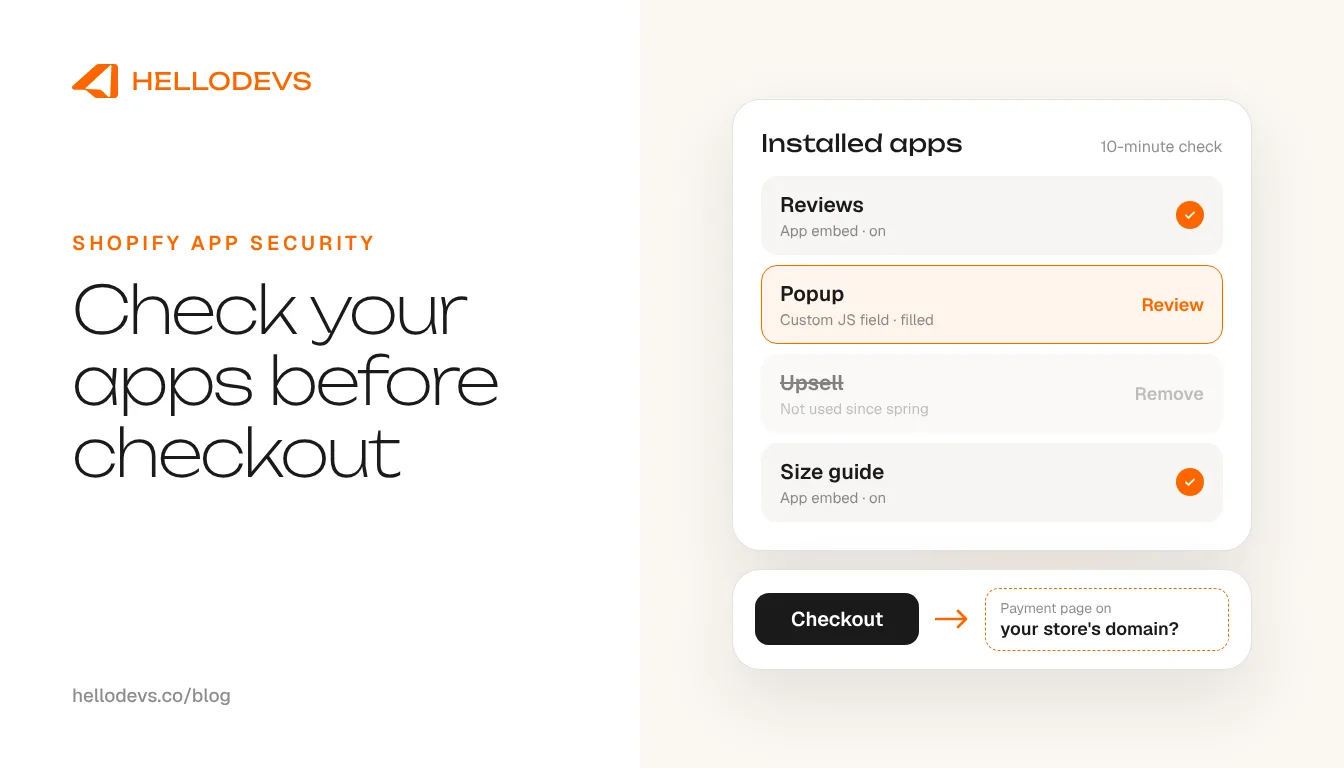
You do not need a developer for the first pass. Set aside ten minutes, open your Shopify admin in one tab and your storefront in a private window, and work through these four checks in order.
List every app, and remove the ones you no longer use
Go to Settings > Apps and read the whole list. For each app, ask what it does for you today. Apps installed for an old campaign, a trial or a feature you replaced are pure risk: they keep running and keep their access. Uninstall them, then check the theme for code they left behind, because some apps add theme code that is not removed automatically when you uninstall.
Find out what each app loads on your storefront
Open Online Store > Themes > Customize and look at App embeds. Every switched-on embed can run code on every page. Turn off any you do not recognise or need. Then open the settings of each remaining storefront app and look for fields that accept custom JavaScript, custom CSS with HTML, or code snippets. That was the route in October. If you have pasted nothing there, the field should be empty.
Read the permissions
Click each app in Settings > Apps and open Activity and permissions. It shows what the app can view and edit in your store, and an Unused access list of permissions it has not used in the last 30 days. A wishlist app with write access to your orders, or a popup app that can read customer addresses, deserves a question to the developer.
Run a test checkout the way a shopper would
In a fresh private window, add a product to the cart and click Checkout from the product page and again from the cart drawer, on desktop and on your phone. Watch the address bar on the payment step: it should be your store's domain or a Shopify checkout address. Because the October redirect fired once per session, close the private window and repeat it a few times rather than reloading.
Shopify's help centre covers viewing an app's activity and permissions and uninstalling apps and the theme code they leave.
Then close the doors behind you
While you are in the admin, turn on two-step authentication for every staff account, remove staff and collaborator accounts that no longer need access, and change any password that has been shared by email or chat. Swym recommended the same steps to its merchants, even though its incident came through the app's access rather than staff accounts. They cost nothing and close the other common way in.
If you have a developer, ask them for one more check: open the browser's developer tools on your storefront and look at which domains the page loads scripts from and sends data to. Anything you cannot match to an app you know about is worth a conversation. cside also suggests looking in session storage for keys beginning with __ctf_, the marker the HulkApps payload left behind.
If you find something
Collect evidence before you change anything: screenshots that show the address bar, the time, the page and device you were on. Then switch off the app's embed or uninstall the app, contact the vendor in writing, and open a case with Shopify Support. Tell your payment provider too, and take advice on whether you need to notify customers, which depends on where you and they are based.
Shopify has also added a safety net. Since 20 October, online stores block links to sites Shopify has identified as fraudulent and ask shoppers to confirm before leaving for a small number of higher-risk sites. If a customer tells you they saw that message, Shopify's advice is to ask which page they were on and what they clicked, and to review the apps you recently installed or updated and your theme code.
Read Shopify's changelog entry on the new redirect protection and its help article on link protection for your online store.
What to ask before you install the next app
Passing Shopify's app review tells you an app met the platform's requirements on the day it was reviewed. It does not tell you how the developer protects the servers and admin tools that feed the app its settings every day after that. October was a reminder that both matter.
Before installing anything new, especially in the weeks before Black Friday, ask four questions. Which permissions does it request, and why does it need each one? Does it add to your theme through a theme app extension, which disappears cleanly on uninstall, or by editing theme files? Does it offer a field for custom code, and who can change it? And does the developer publish a status page or incident history, so you would hear about a problem from them first?
As an example of a narrow request, our own app ShopFlex asks for two read-only permissions, read_locales and read_markets_home, and adds its widgets through a theme app extension without editing theme code.
If you build or commission apps
The lesson for developers is that the attack surface does not end at the code Shopify reviews. Settings that reach the storefront need the same care as code: escape every value before it is rendered, treat a custom JavaScript field as a privileged feature with its own access controls and audit log, and protect the internal tools that can change a merchant's configuration as carefully as production itself.
For the review side, read what Shopify's app review actually checks. If you want an app built or an existing one audited with this in mind, see our Shopify app development service or tell us what you are running.
HelloDevs
Shopify development
Practical guides to planning, building and maintaining Shopify projects. Explore the linked product case studies for examples of our work.



Stay Updated
Get raw, honest dev-first tutorials and tech blog articles delivered straight to your inbox once a week.
Start a Shopify project
Let's Connect!
Tell us your requirements and get a professional developer response.