

ShopFlex Social Icons & Chat Widgets
One Shopify app for the widgets merchants usually assemble from three or four — social icons, chat launchers, WhatsApp buttons and sticky bars — delivered through a theme app extension, with its configuration in the page instead of fetched after it.
- Live on the Shopify App Store
- Two read-only access scopes
- No theme code edited
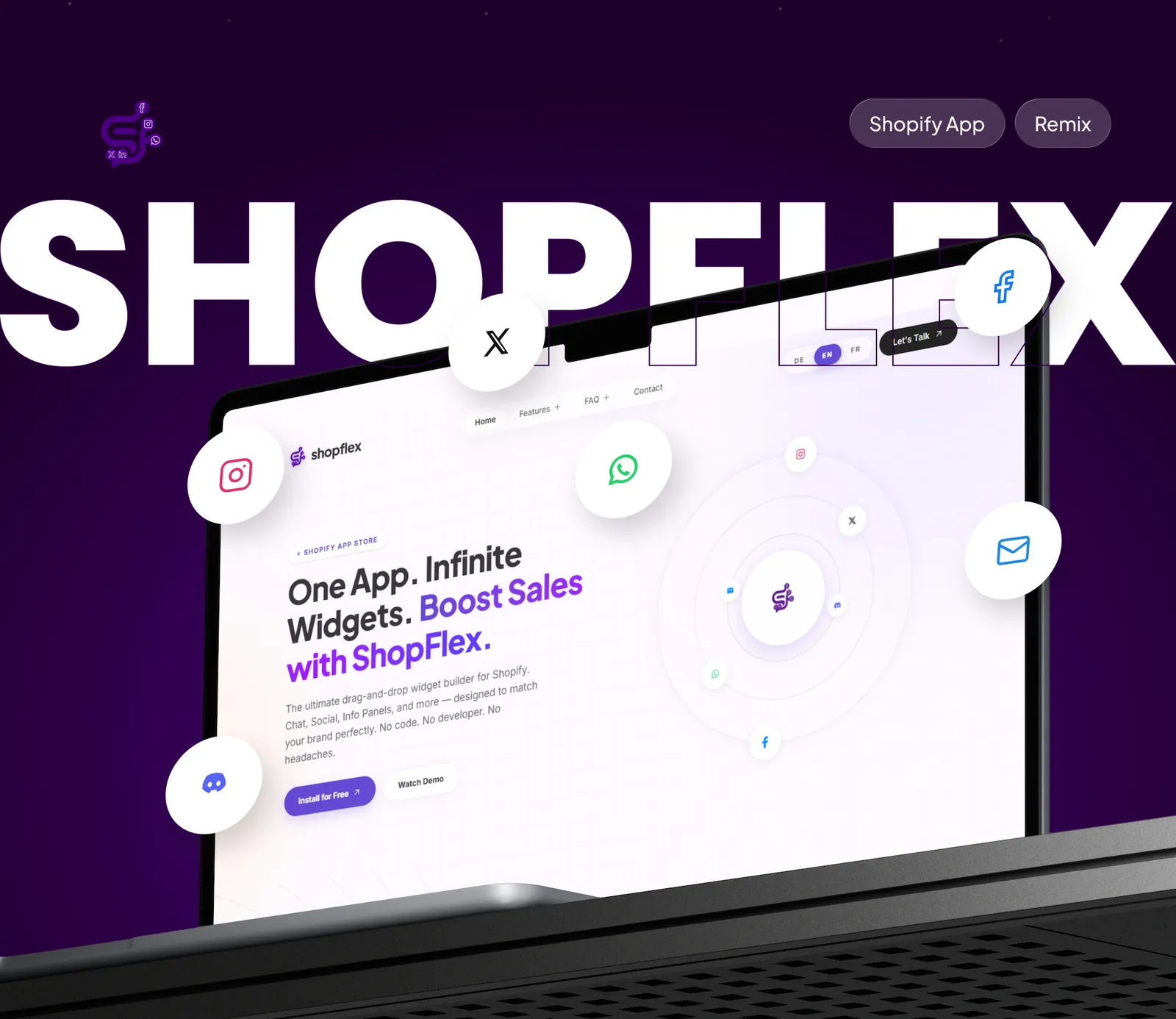
Most widget apps load a script, then ask their own server what to show. ShopFlex reads its settings from a shop metafield while the page renders, so the widgets arrive with the page — not a moment later.
Project overview
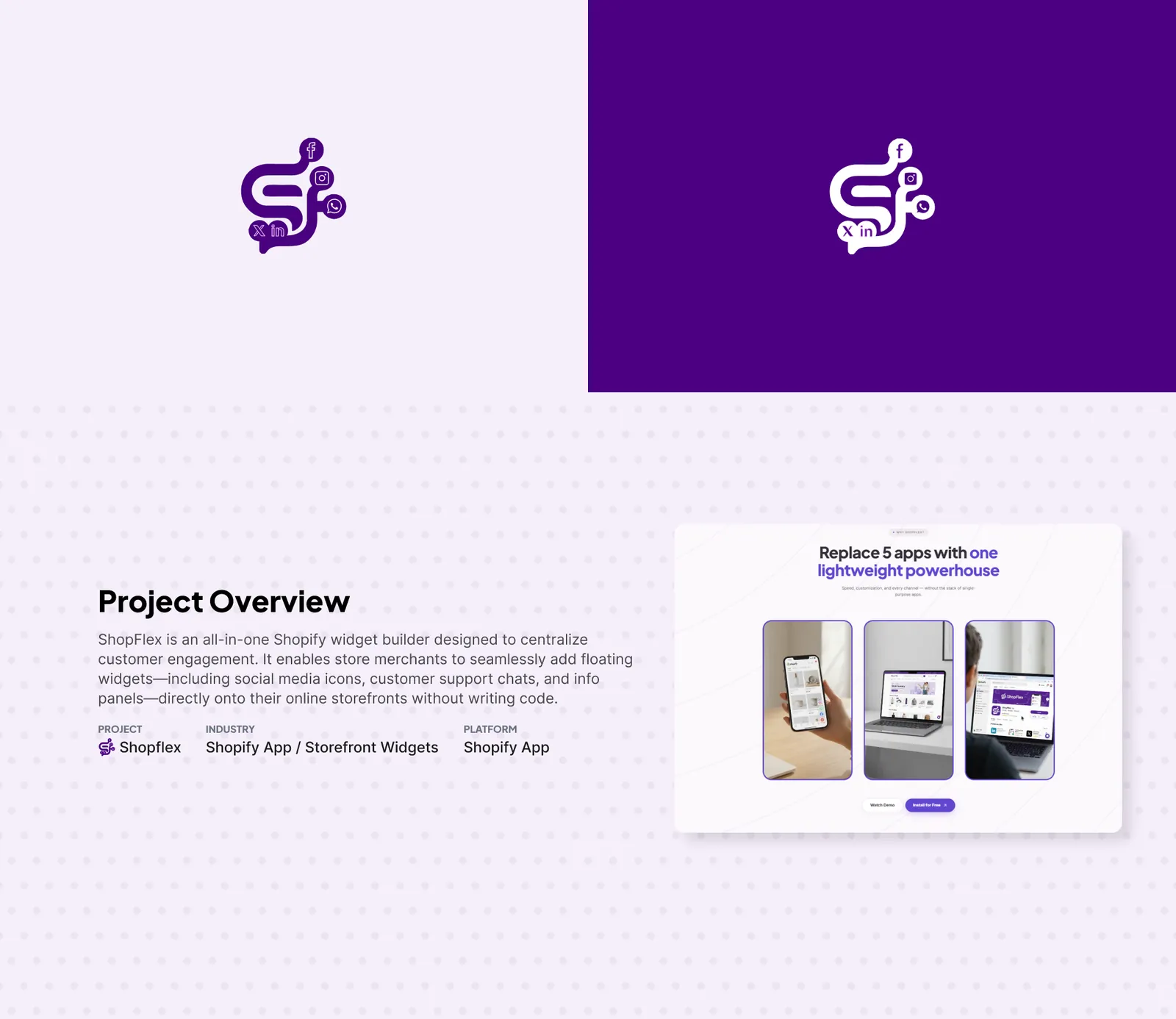
ShopFlex is an all-in-one widget builder for Shopify. Merchants add floating social icons, chat launchers, messaging buttons and info panels to their storefront from one app, styled to their brand, without writing code.
- Project
- ShopFlex | Social Icons
- Industry
- Shopify app / storefront widgets
- Type
- Public Shopify app with an embedded admin
- Distribution
- Shopify App Store, live since 12 May 2026
- Stack
- Remix, Polaris, App Bridge, theme app extension, MongoDB, Prisma
- Access scopes
- read_locales, read_markets_home
- Languages
- English, German, French
- Built by
- HelloDevs — strategy, design, build, App Store submission
Why storefront widgets cost more than they look
Three costs of stacking widget apps
Merchants add contact and social elements one app at a time. Each app is reasonable on its own; together they compound.
- PerformanceEvery widget app is a third-party script, and most fetch their settings from the vendor's server after the page loads. The button pops in late, and often shifts the content around it.
- ConsistencyFour vendors bring four design languages. A WhatsApp button from one and a chat launcher from another rarely agree on radius, shadow, spacing or placement.
- MaintenanceOlder widget apps write into theme code. A theme update overwrites it; an uninstall leaves it behind, and merchants collect dead markup they cannot safely remove.
The brief
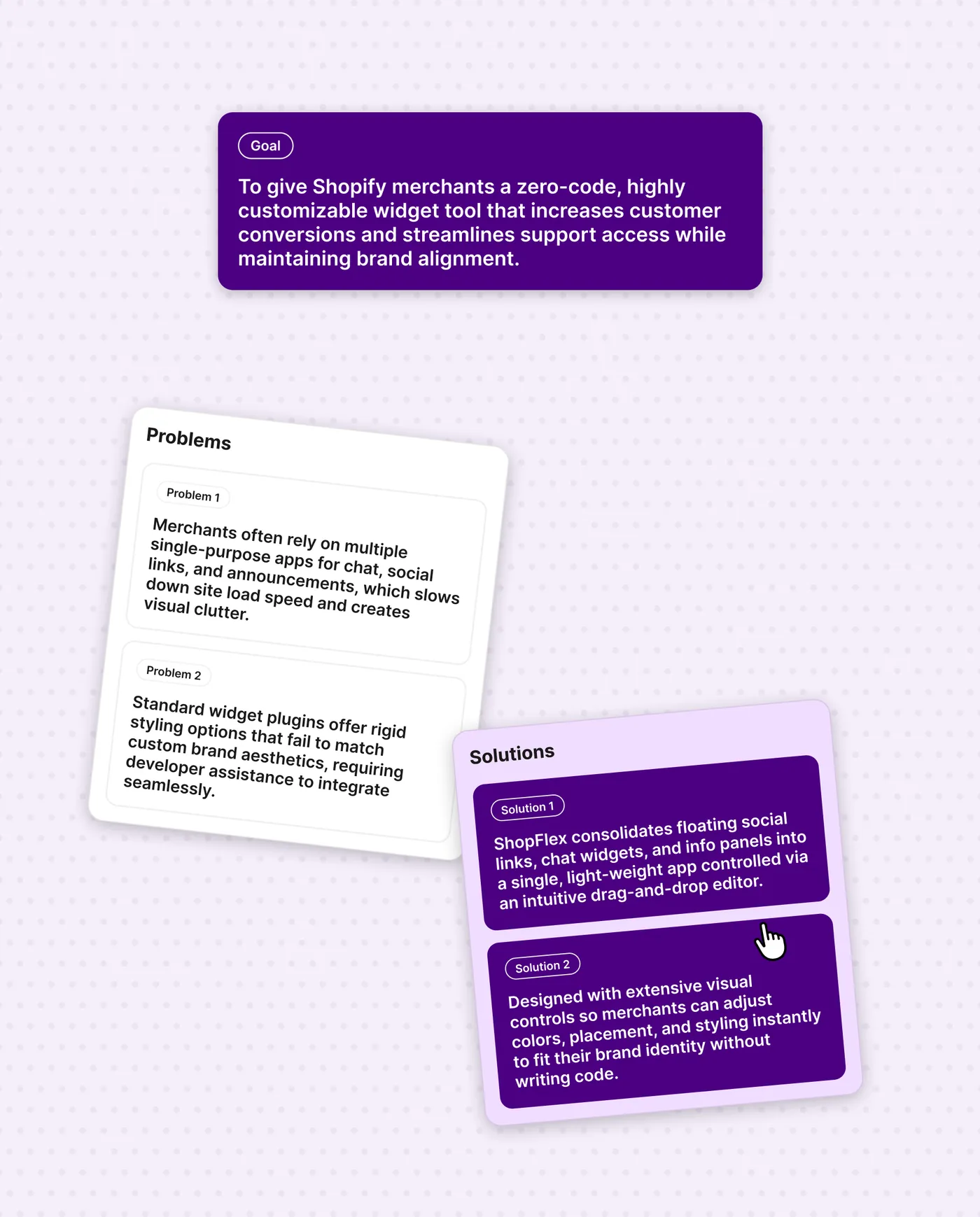
The goal: a zero-code, highly customisable widget tool that makes support and social channels easy to reach while matching the store's brand. The problems were the ones merchants described — several single-purpose apps slowing the store down, and rigid widget styling that needed a developer to fit the theme. The answer was one lightweight app with a visual editor for colours, placement and styling.
What ShopFlex does
One app for the whole widget category
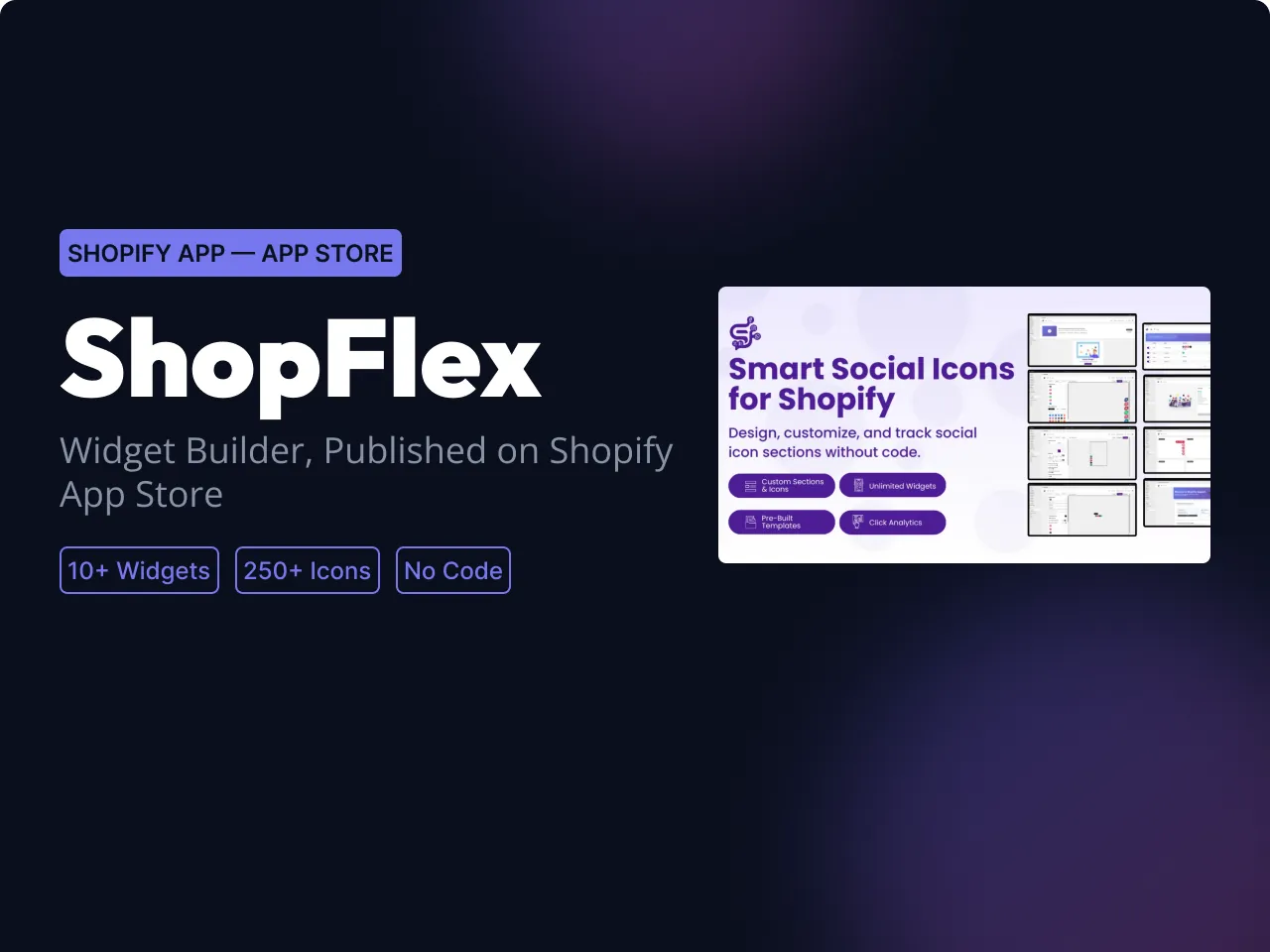
The feature list below is what the app ships today. The counts come from its App Store listing.
- 10+ widget typesFloating social bar, stacked social panel, full and compact chatbox, WhatsApp, Messenger, Telegram, Instagram and TikTok channel widgets, call buttons and a sticky announcement bar.
- 250+ iconsOfficial brand logos and a custom flat icon library, styled to match the store — colours, borders, shadows, animation and placement.
- 30+ prebuilt templatesA starting point for each widget rather than a blank editor, with merchants able to request templates the library does not have yet.
- Separate desktop and mobile controlsWidgets can behave differently on a phone, where screen space is the scarce resource.
- Star-rating blockA separate app block for ratings, placed wherever the theme editor allows.
- Per-widget analyticsViews and interactions for each widget — engagement only, with no visitor profile, no cross-store identity and no cookie.
- Multi-language storefrontsEnglish, German and French, with the storefront locale respected per shop.
Inside the app
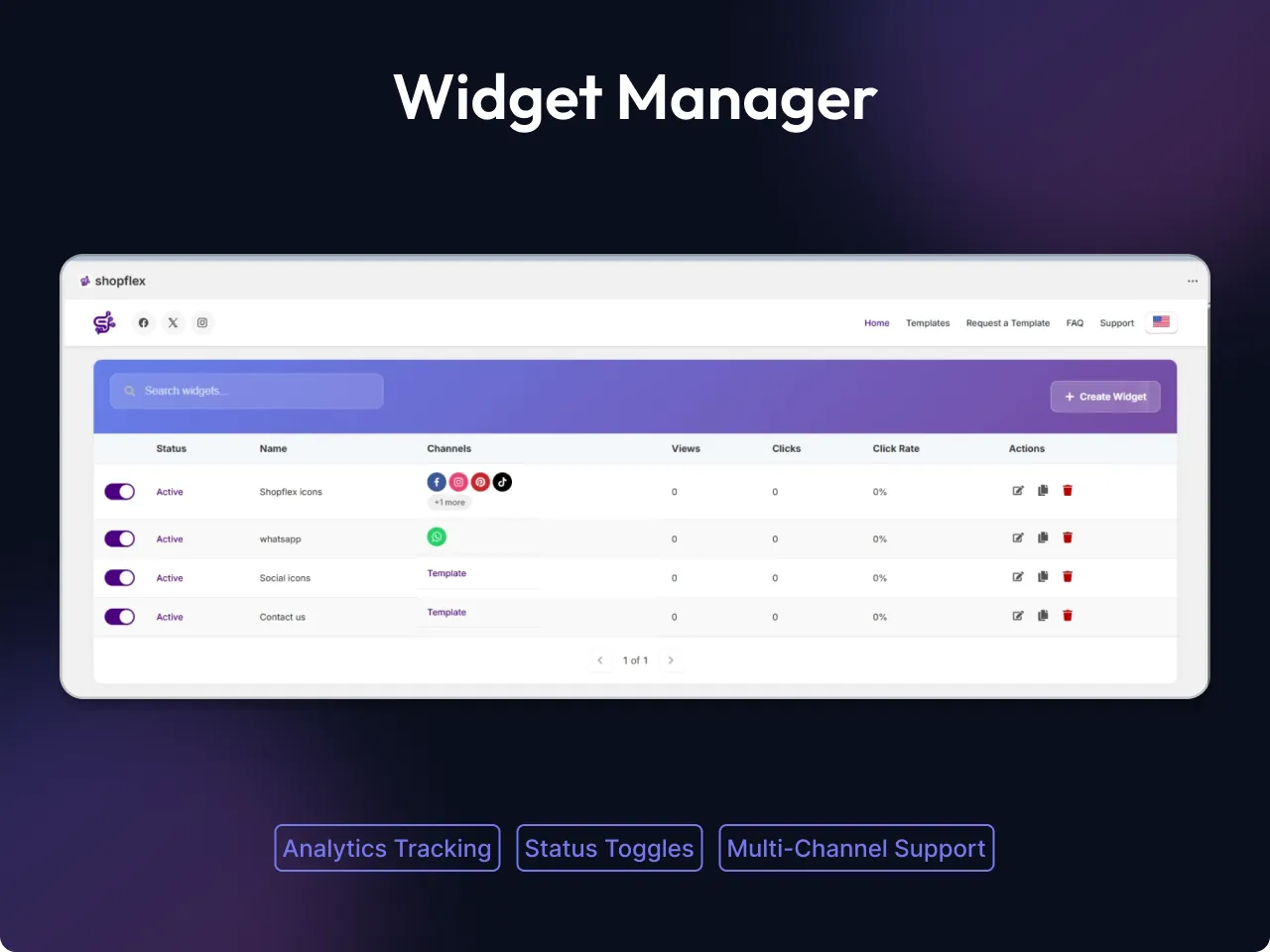
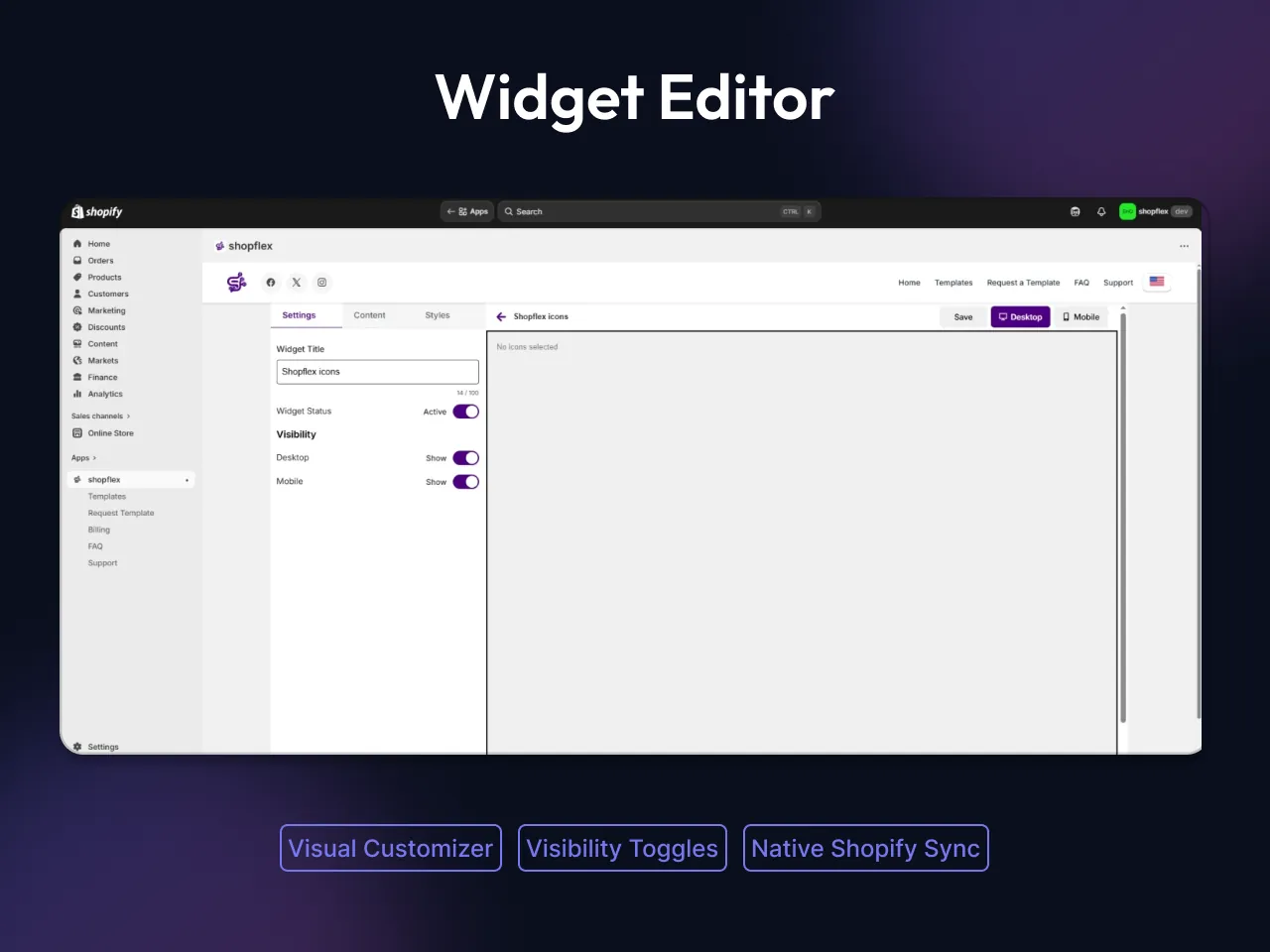
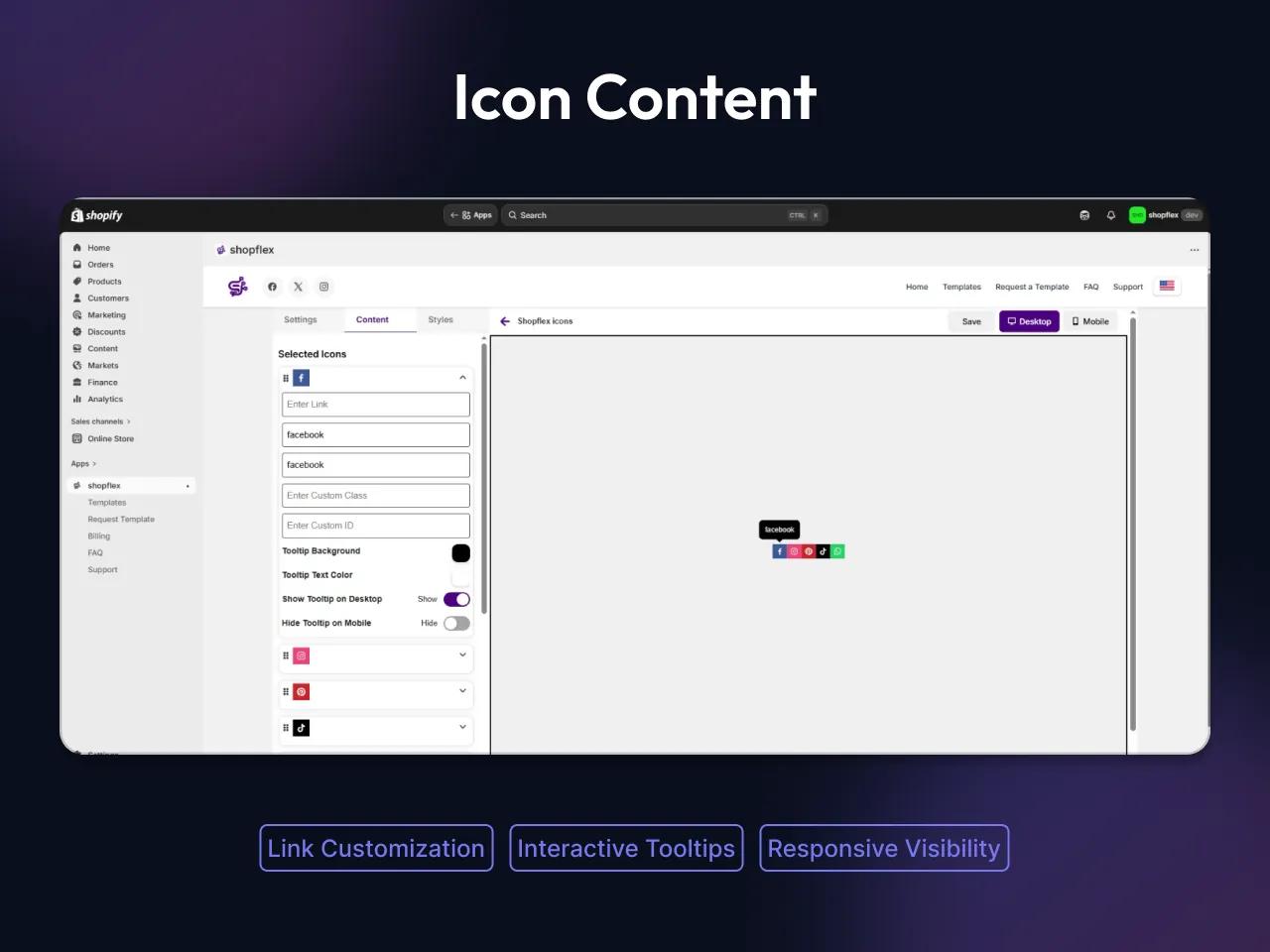
The embedded admin runs inside Shopify, built with Polaris so it feels native. Merchants build a widget, pick its channels, style it separately for desktop and mobile, and track views and clicks per widget.
Brand and landing page
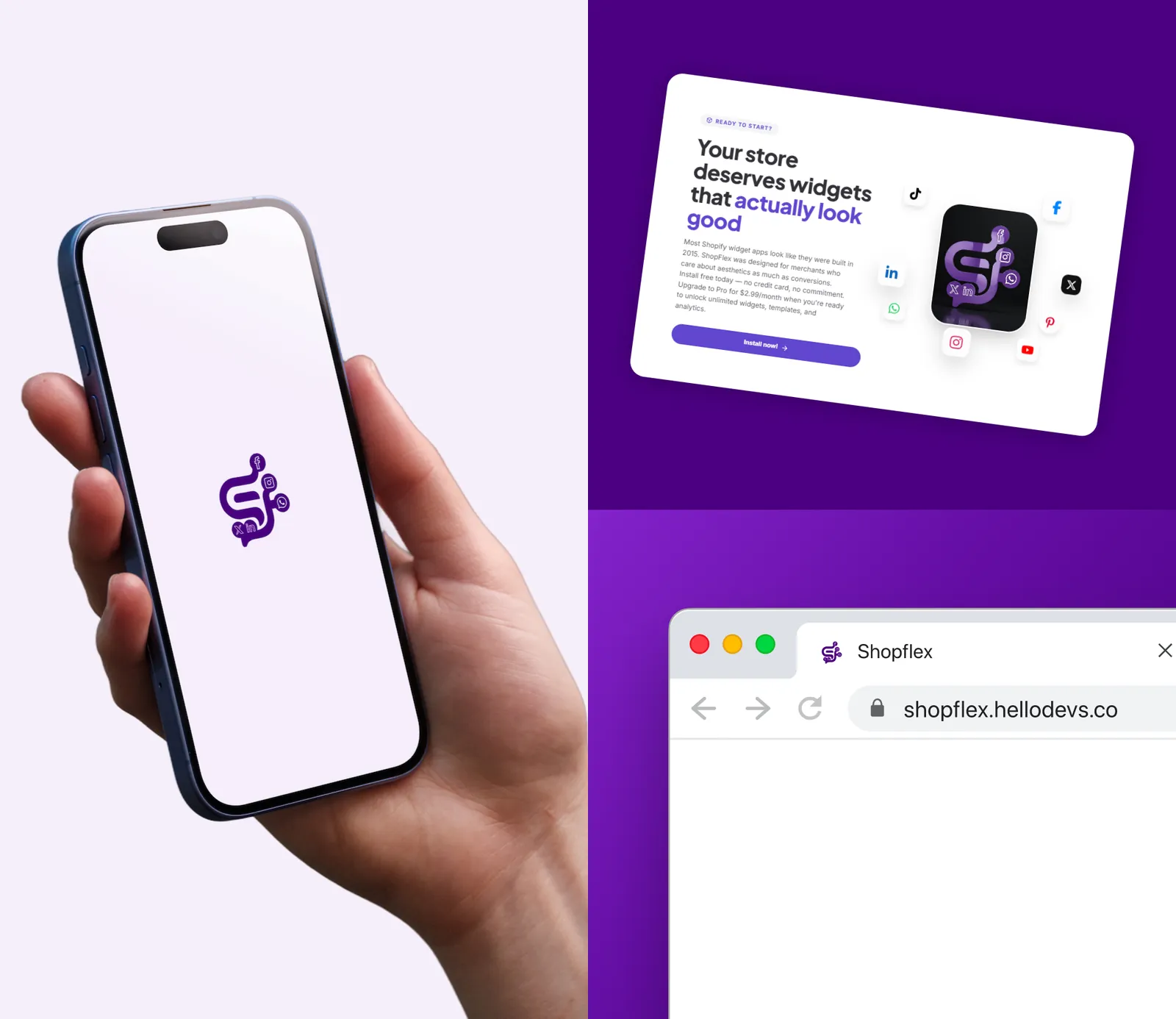
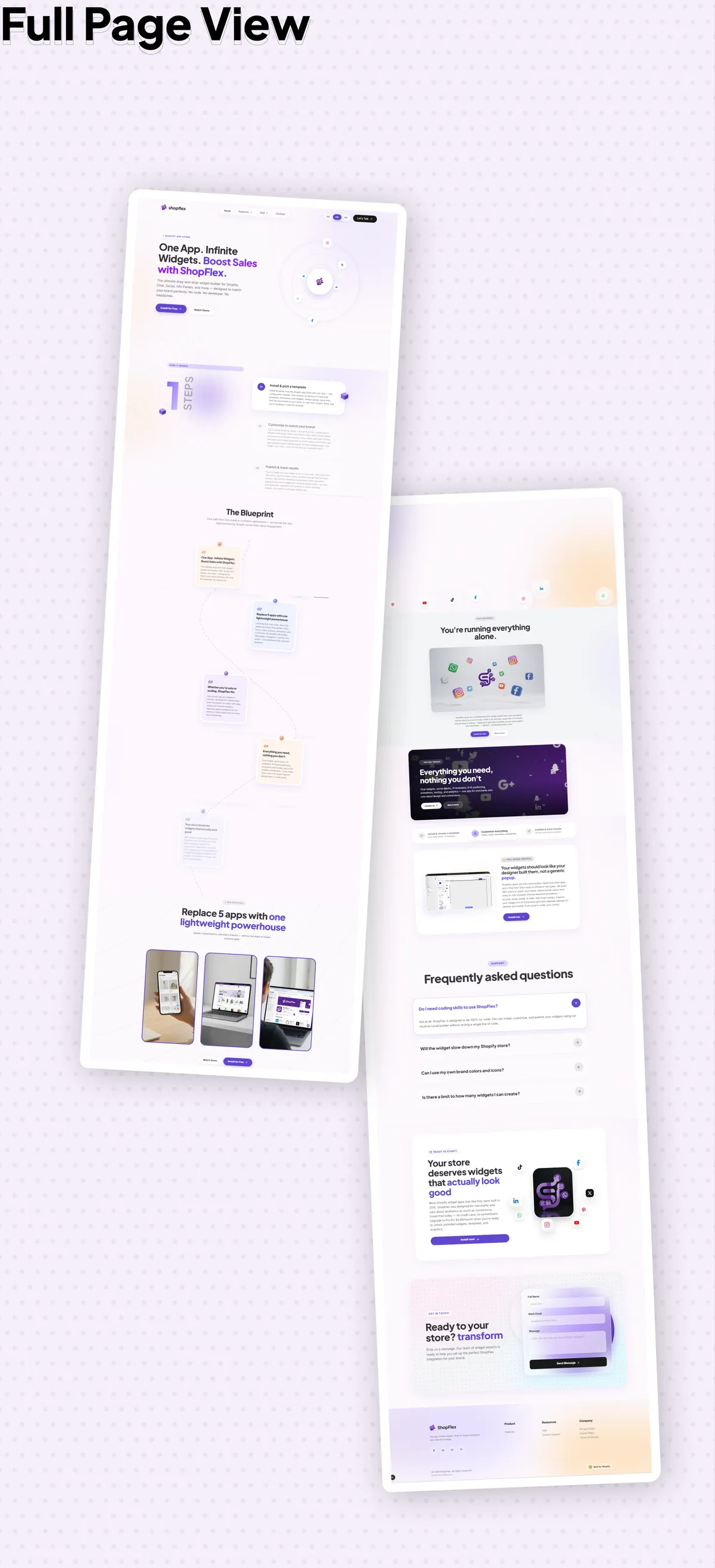
ShopFlex has its own identity, separate from ours: a deep purple primary (#4B0082) on a pale lavender shade, set in Plus Jakarta Sans. The same team designed the logo, the App Store assets and the landing page alongside the app, so the listing, the marketing and the product read as one thing.
How ShopFlex is built
The decisions behind it
Each of these was a choice between the common way and a slower, more careful one.
- Configuration in the page, not after itMerchant settings are written to a shop metafield. The theme app extension reads it in Liquid while the page renders and inlines it as JSON beside the widget bundle — so there is no settings request between the page appearing and the widgets appearing.
- A free tier that cannot be bypassedWhether a store is over its free view limit is decided on the server and delivered in the same inlined payload. The widget checks it and stops before initialising — no client-side check a determined visitor could skip.
- A short-lived credential on a public pageThe storefront is public, so anything in it is readable. Widgets authenticate with a short-lived, per-shop token delivered by its own metafield, with the signing secret kept server-side and rotation tracked.
- Two scopes, and no moreThe app requests read_locales, for translated storefronts, and read_markets_home. Nothing else — no customer or content access — and it passed App Store review on that request.
- Two databases, each for its jobPrisma for session storage, because that is Shopify's supported path; MongoDB for the per-shop record of plan, billing, widget configuration and lifecycle.
The Shopify surfaces ShopFlex uses
Built on Shopify's own extension points
Everything ShopFlex does goes through a supported Shopify surface, which is why it survives theme updates and leaves nothing behind.
- Theme app extensionApp embeds and an app block, placed by the merchant in the theme editor. No theme files are edited.
- Shop metafieldsWhere the configuration and the storefront token live, read server-side in Liquid.
- GraphQL Admin APIFor writing configuration and managing the shop's data from the embedded admin.
- Billing APIRecurring plans with a free tier and a trial, plan changes and charge reconciliation — billed on the merchant's Shopify invoice.
- Polaris and App BridgeThe embedded admin, built with Shopify's own design system so it feels native to merchants.
What ShopFlex has achieved so far
What we can say — and what we can't
ShopFlex launched on the App Store on 12 May 2026. These are the outcomes that can be stated from the app itself; install and conversion figures are not claimed here.
- Passed App Store reviewApproved and published on a two-scope request, with no customer data access.
- One app instead of three or fourCovers a category merchants usually assemble from several widget apps, each with its own script.
- Clean install and uninstallNo theme code is modified, which removes the most common support problem in this category: widgets that survive an uninstall or break on a theme update.
ShopFlex was built by the same team that does our Shopify app development and Shopify theme development work for clients.
Start a Shopify project
Let's Connect!
Tell us your requirements and get a professional developer response.