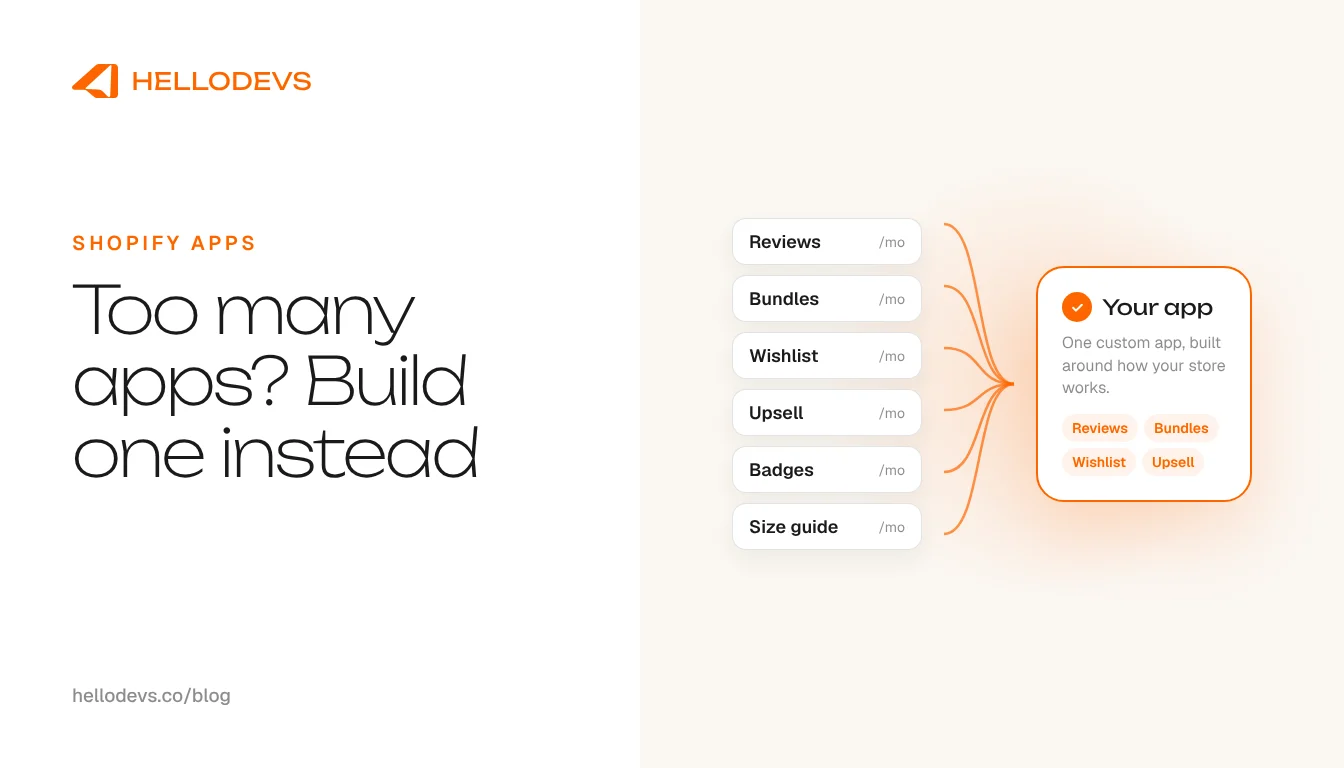
Too Many Shopify Apps? When Custom App Development Replaces Several

HelloDevs
Oct 15, 2026
Shopify custom app development is usually discussed as a choice between building and buying. This article is about a narrower situation: a store that already runs a crowd of paid apps, several of which overlap, and wants to know whether one app built around its own workflow could replace some of them.
If you are weighing the general decision, start with our guide to [choosing between a custom Shopify app and an existing app](/blog/shopify-custom-app-vs-existing-app). We will not repeat it here. We will assume you already have the apps and want to know whether consolidating is worth it.
The best Shopify apps can still be the wrong stack
Search for the best Shopify apps and you will find well-reviewed options for every job. Each one can be a sound choice on its own. The trouble comes when you install five of them. The best Shopify apps for one store can be the wrong stack for another, because what matters is how the apps fit together with your products, your team and your process.
A store usually reaches this point gradually. A popup tool arrived for a campaign, a bundling app for a launch, a loyalty app after a conversation with a supplier. Every addition made sense then. A year on, nobody has looked at the whole.
Each app arrives with its own settings, billing, support, update schedule and storefront scripts. Together they mean several dashboards to check, several places to change behaviour, and several subscriptions to renew. Overlap makes it worse, because two apps may each store a copy of the same data or add similar code to your pages.
A simple worksheet before any decision
Before anyone talks about building, put the facts on one page. Make a table with one row per paid app and these columns.
App and monthly cost
Name each app and what you pay for it each month, including any usage-based charges. Use the figures on your own invoices.
What it actually does for you
Describe the part of the app you use, not the feature list on its page. Many apps are used for one or two functions.
Overlap
Note where two or more apps do the same thing, share data, or both add something to the same page.
How much you rely on it
Mark whether the workflow stops without it, or whether it is a nice-to-have nobody would miss.
What would move into one app
Circle the rows whose functions could live together, for instance a set of rules around pricing, bundles and messaging that all follow your product data. Leave the rest where they are.
Rough effort and ongoing cost
For the group you circled, add a note on how complex it is and what upkeep it will need. This is the part that turns a list into a business case.
A worksheet like this is also the best brief you can hand a developer. It is how we start when you ask us about Shopify custom app development.
When Shopify custom app development makes sense
Consolidating tends to be worth investigating when several of these are true.
Several paid apps overlap
If three apps each do a part of one workflow, the combined fees and the work of keeping them in step may justify a closer look.
The workflow is specific to your store
When your rules about products, orders or customers are unusual, you often bend each app to fit, or work around it. One app built around the real process removes the workarounds.
You want fewer storefront scripts
Each app that injects code adds weight to your pages. A single app built with theme app extensions and metafields can serve what several scripts did before.
You want one place to change behaviour
When a rule changes, you update one app instead of hunting through several dashboards.
The apps are costly relative to what you use
If you pay for large plans to unlock a small slice, replacing that slice is the most direct way to cut the bill.
For the storefront side of this, read how metafields keep an app fast.
When it does not make sense
A custom app is not always the answer, and we would rather tell you so. Leave a commodity app alone when it is cheap, widely used and well maintained, such as a standard shipping, reviews or accounting connector. Rebuilding something that already works at low cost is rarely a good use of money.
Leave out features you rarely use too. If the case for replacing an app is that it does a hundred things and you use two, make sure those two matter before you build them. And if the workflow is still changing every month, wait. Software built around a process that is not settled will need rebuilding as soon as the process moves.
Be honest about the costs of a custom app
A custom app has its own costs. You pay to design and build it. It needs hosting. It needs maintenance: updates when Shopify changes its platform, fixes when something breaks, and monitoring so you hear about problems first. Someone also has to own it after launch.
So the fair framing is not 'a custom app is free forever'. It is replacing several recurring per-app fees with a one-off build plus a smaller ongoing cost. Whether that comes out ahead depends on the store: how many apps you are replacing, what they cost, how complex the workflow is and how long you will run it. Anyone who gives you a savings figure without seeing your worksheet is guessing. Use your own numbers and, if you want, our guide to [budgeting for a custom Shopify app](/blog/shopify-app-development-cost) to understand what goes into the build side.
Pilot one workflow first
You do not have to replace everything at once. Choose the pair of overlapping apps that costs the most or causes the most friction, and build the one workflow that would let you retire one of them. Run both side by side for a while, compare the results, and only then decide whether to continue. If the pilot does not justify itself, you will have learned that for the price of a small project rather than a large one.
Whichever way it goes, the exercise has value. Even stores that decide against building usually come away with a shorter app list, because writing down what each app does for you makes the unused ones obvious. That alone can lower the monthly bill before any code is written.
Read more about what we build in our Shopify app development service.
One message away
Bring us your worksheet, or just your list of apps. We will tell you plainly which ones to keep, which to retire and whether a custom build is worth it for your store. A short message is enough, and a voice note on WhatsApp works too. We are one message, one voice note, one prompt away.
Start with the contact form and tell us which apps are weighing on the store.
HelloDevs
Shopify development
Practical guides to planning, building and maintaining Shopify projects. Explore the linked product case studies for examples of our work.



Stay Updated
Get raw, honest dev-first tutorials and tech blog articles delivered straight to your inbox once a week.
Start a Shopify project
Let's Connect!
Tell us your requirements and get a professional developer response.