EcommerceShopify App
Hello Studio, a Shopify section marketplace — case study: Skip the builderPick a sectionMake it yours
211 Presets19 Categories
A section marketplace inside the Shopify admin. Merchants pick ready-made sections, buy them once, and install them straight into their own theme as native Liquid.

About the Project
Hello Studio is a section marketplace inside the Shopify admin, not a page builder. A merchant browses 90 ready-made sections across 19 categories, adds any of the 48 free ones instantly or buys a premium section for $7.99 once, bundles several for a volume discount, and installs the presets they want straight into any theme. What lands is native Liquid, real files in their own theme, not a storefront script, so the sections keep working after the app is gone. 211 installable presets. Five merchant surfaces. One design system holding it together.
Built for Shopify merchants who want polished storefront sections without hiring a developer for each one, and without a page builder that keeps its sections hostage to a subscription.
- Project
- Hello Studio
- Industry
- SaaS / Shopify App
- Platform
- Shopify App
- Status
- Pre-launch
- Built by
- HelloDevs
02The system gap
The Problem
Too many theme-building options
Merchants need to browse and compare sections across 19 categories, making it difficult to find the right components quickly. Building a polished storefront often means piecing together sections from different sources and tools.
One native section marketplace
Hello Studio brings 211 ready-made presets into the Shopify admin, with free and premium sections that merchants can browse, bundle, purchase and install directly into any theme.
Sections that don't truly belong to the store
Many third-party solutions rely on scripts or page-builder systems that create dependencies, limiting control and potentially leaving merchants tied to the app.
03Inside the app
Six surfaces, one system
Marketplace, preview, setup guide, My Sections, bundles and requests share one calm design language, so a merchant never relearns the app between them.
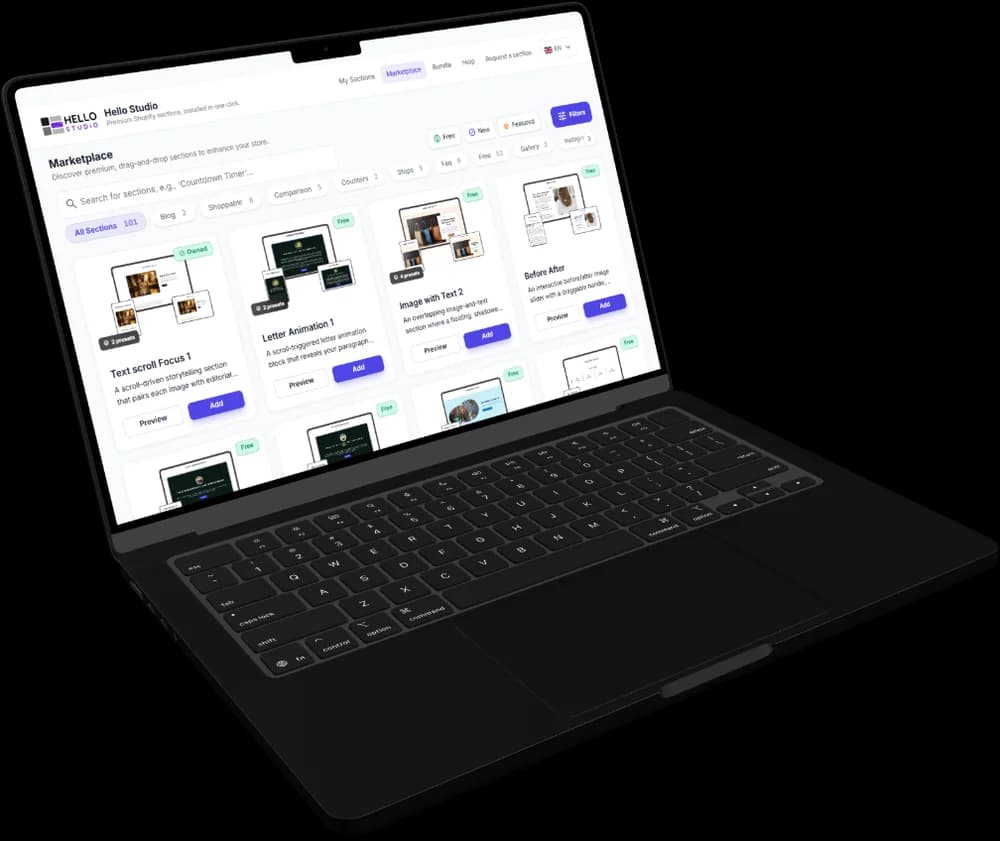
1Marketplace
Browse by what the store needs
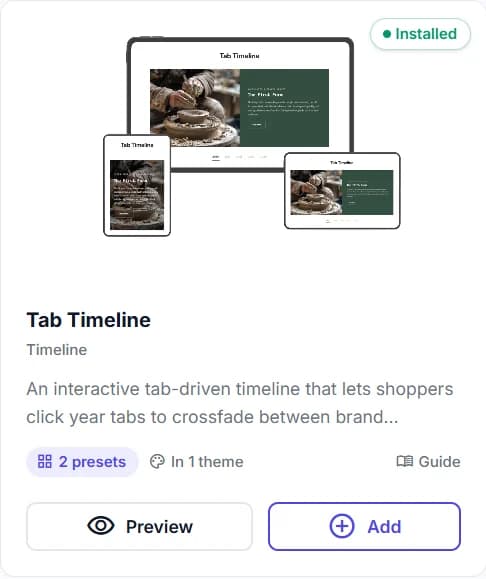
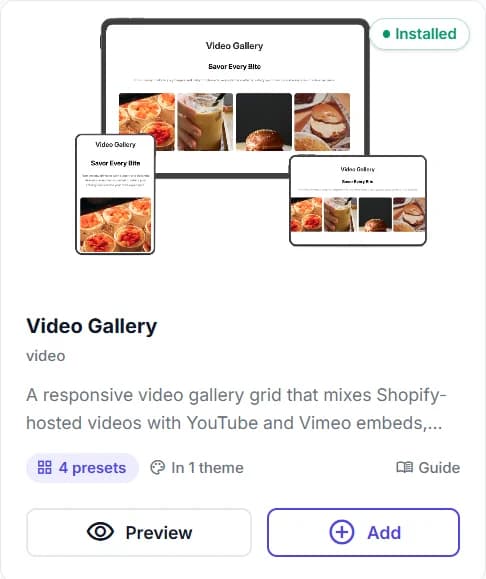
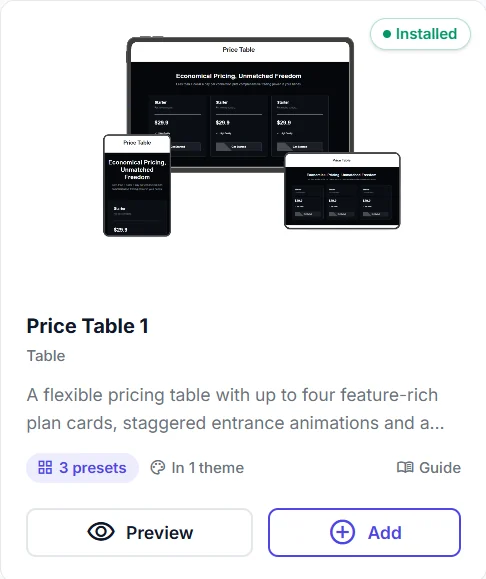
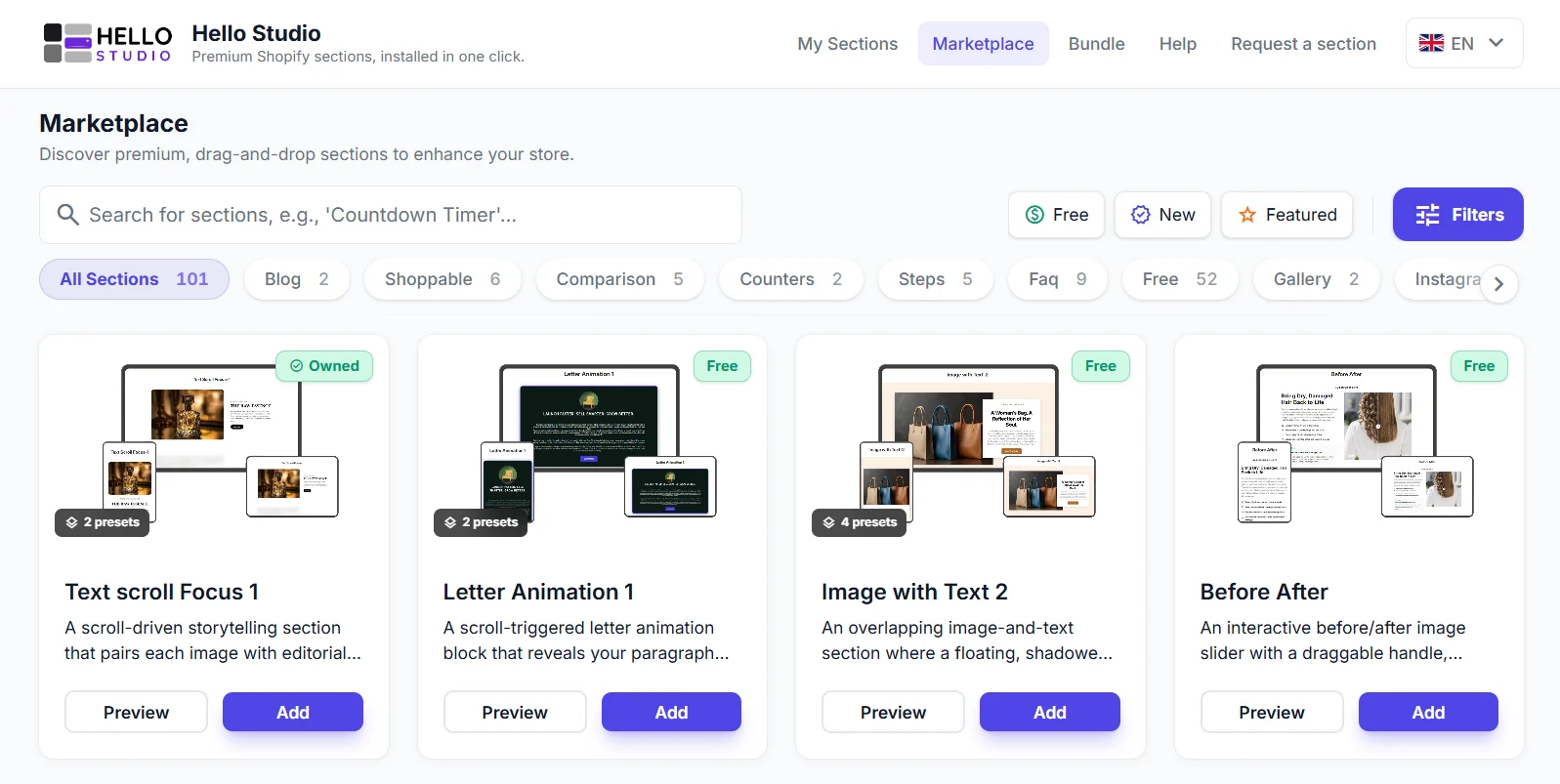
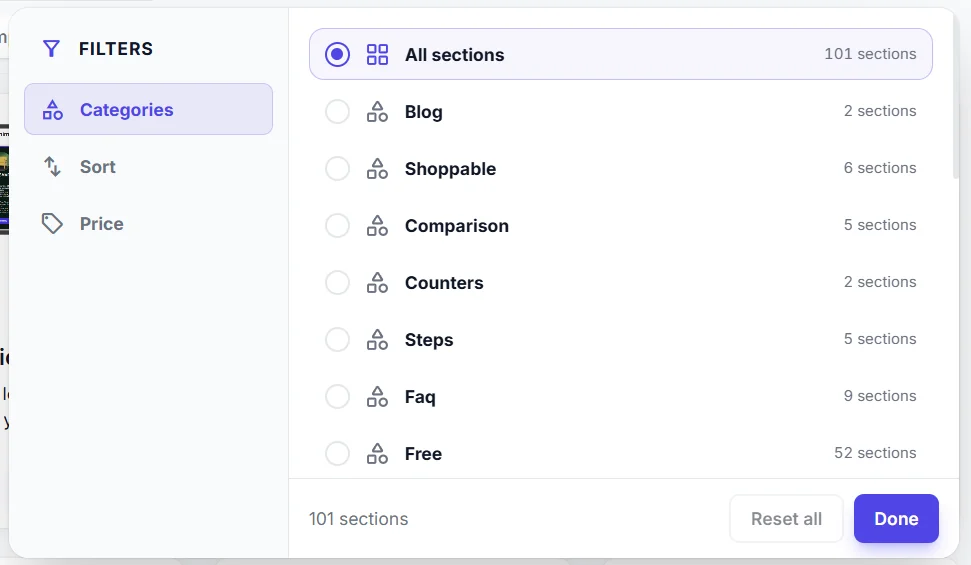
Sections are filed by category, with search, Free, New and Featured shortcuts and a filter panel for category, sort and price. Each card shows its preset count and a one-line description before anything is opened.
2Preview
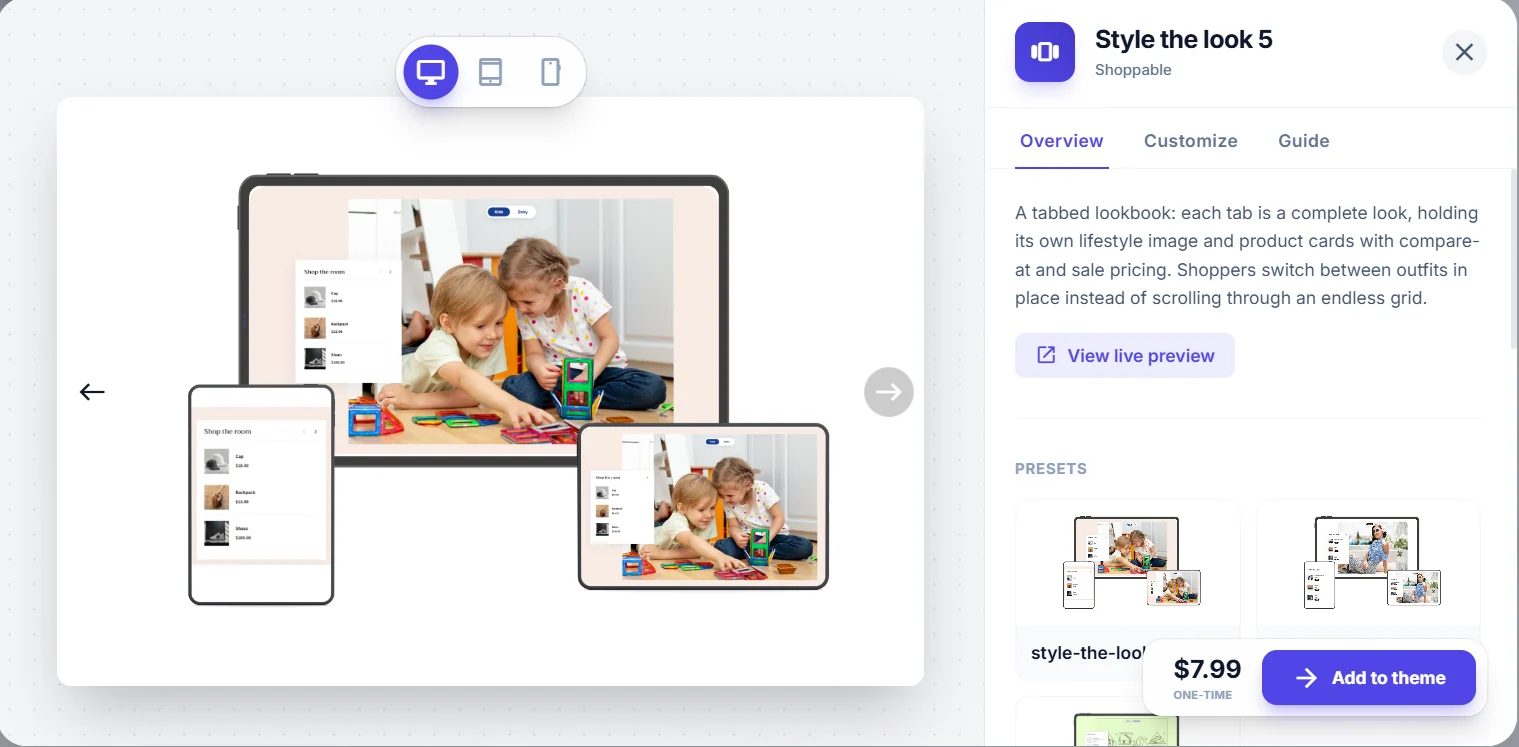
See it before you pay for it
Every section opens in a desktop, tablet and mobile preview with all of its presets, a link to a live preview, and the price beside Add to theme.
3Customize
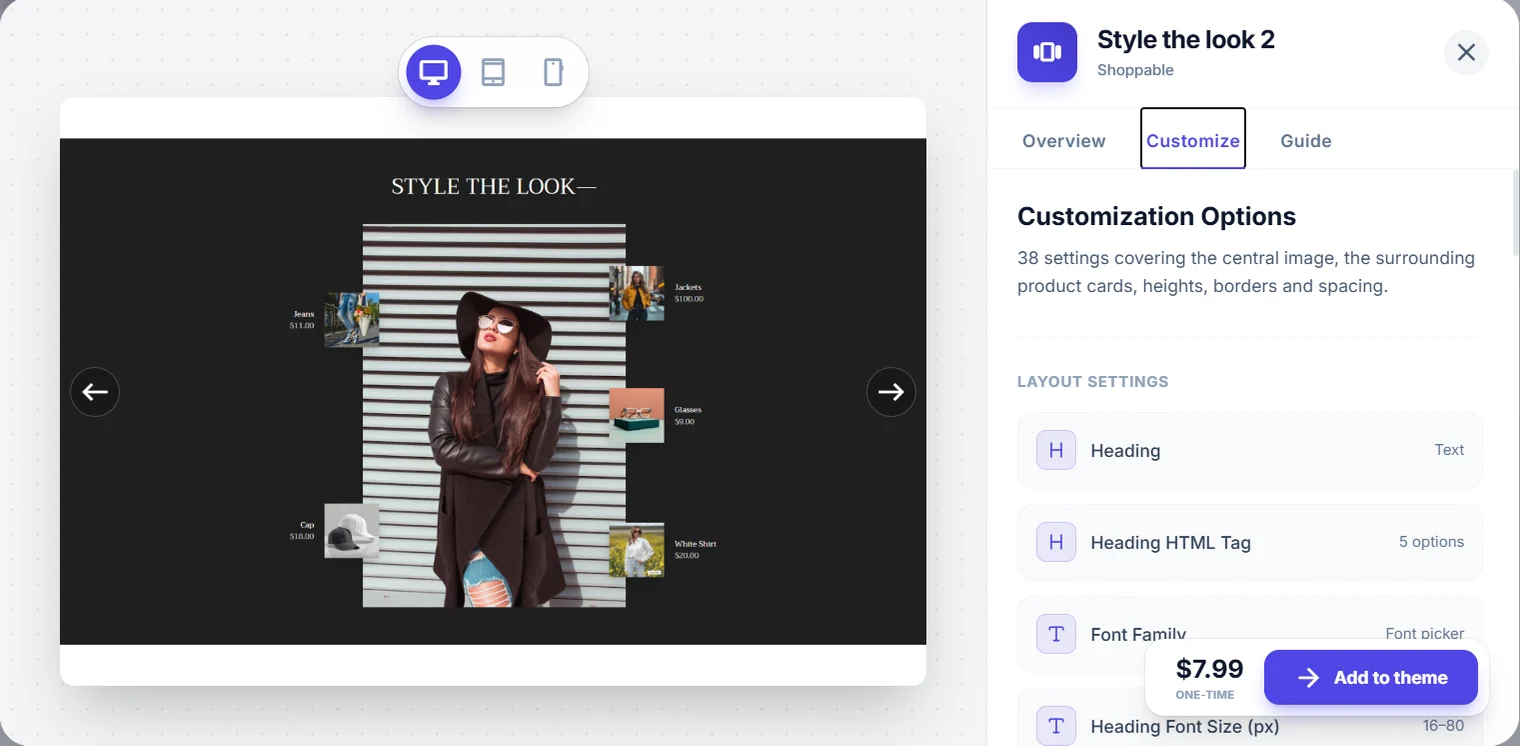
Every setting, up front
A Customize tab lists the theme-editor settings a section exposes — headings, fonts, sizes and spacing — so a merchant knows how far it bends before buying it.
4Guide
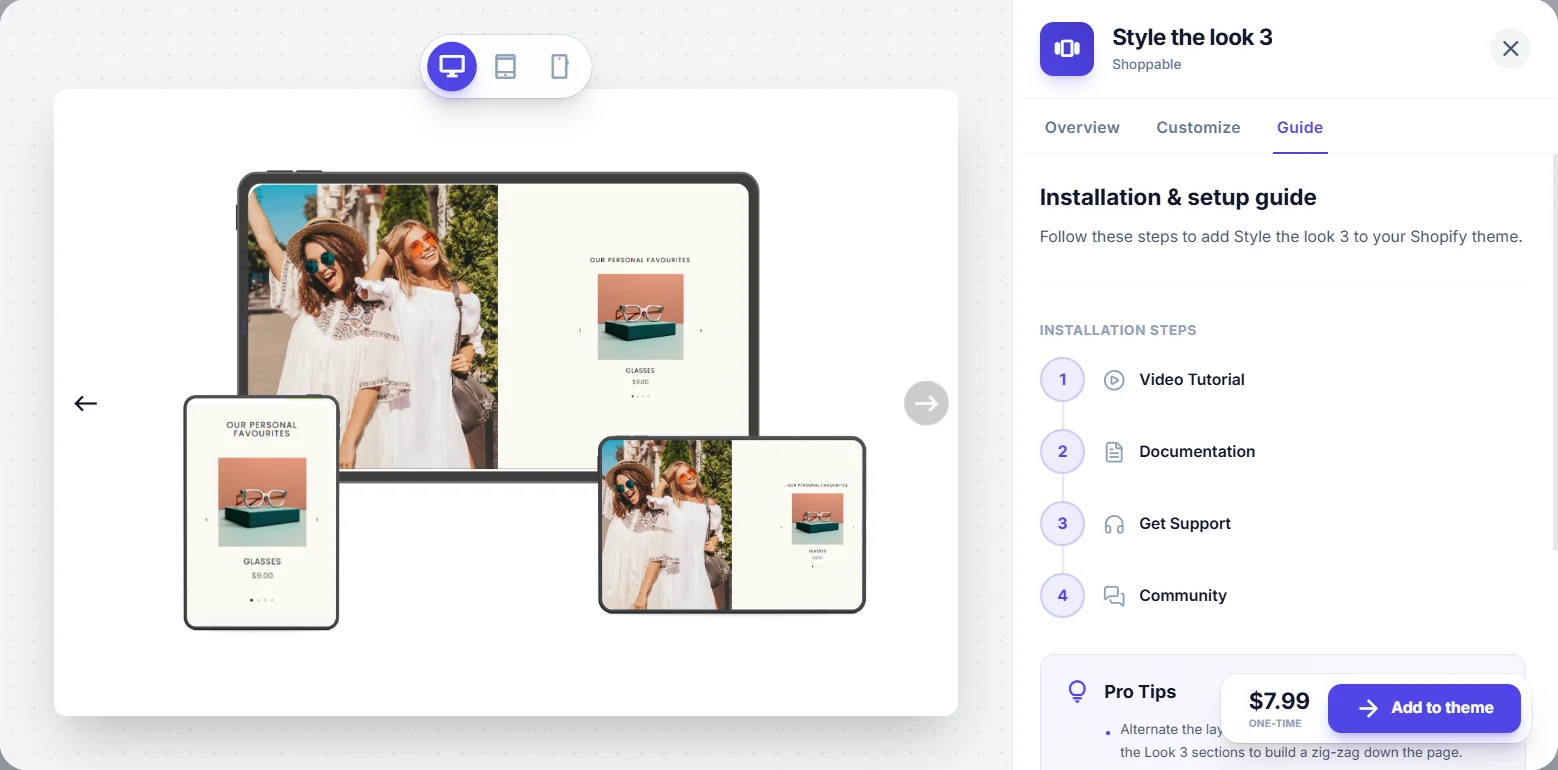
A setup guide for each section
Installation steps, documentation, support and community links sit in the same panel, so help is one tab away rather than in a separate inbox.
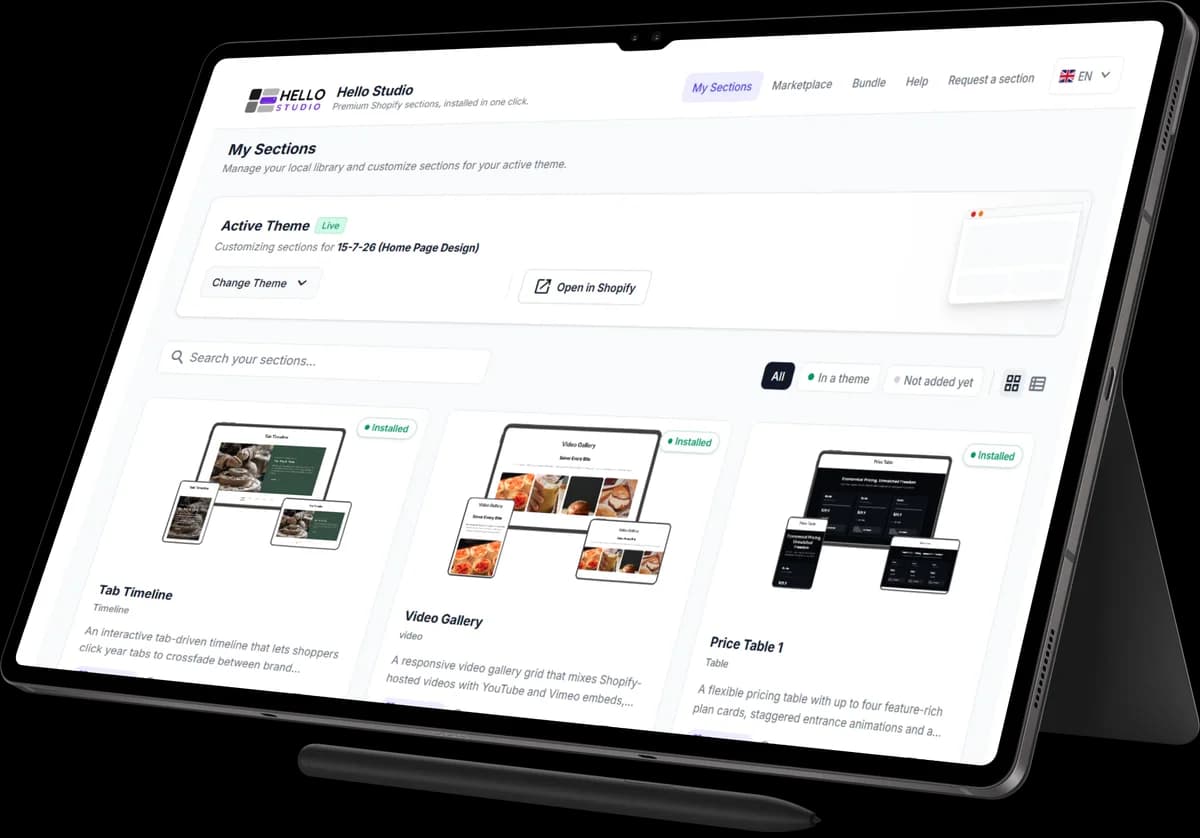
5My Sections
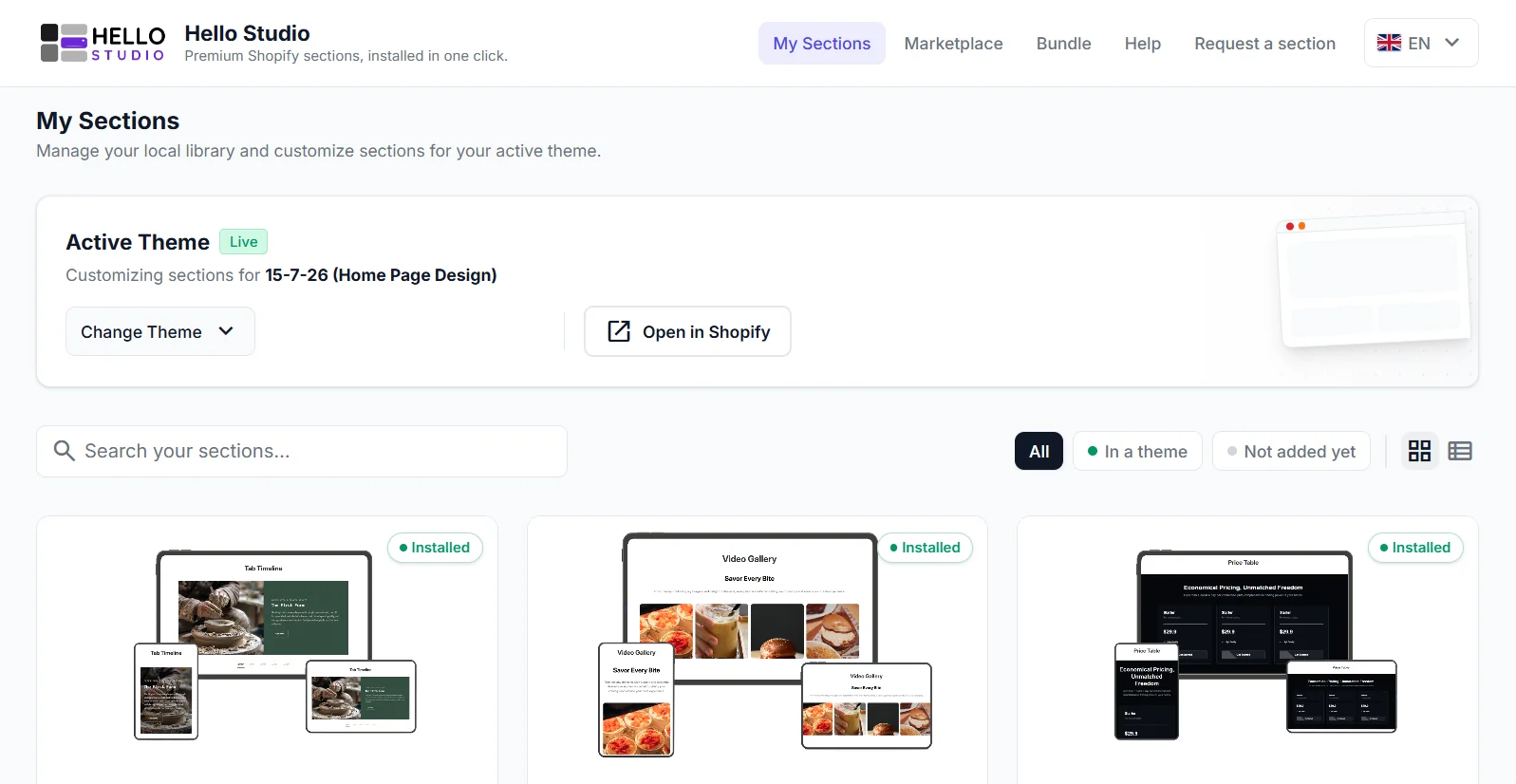
A library tied to the theme
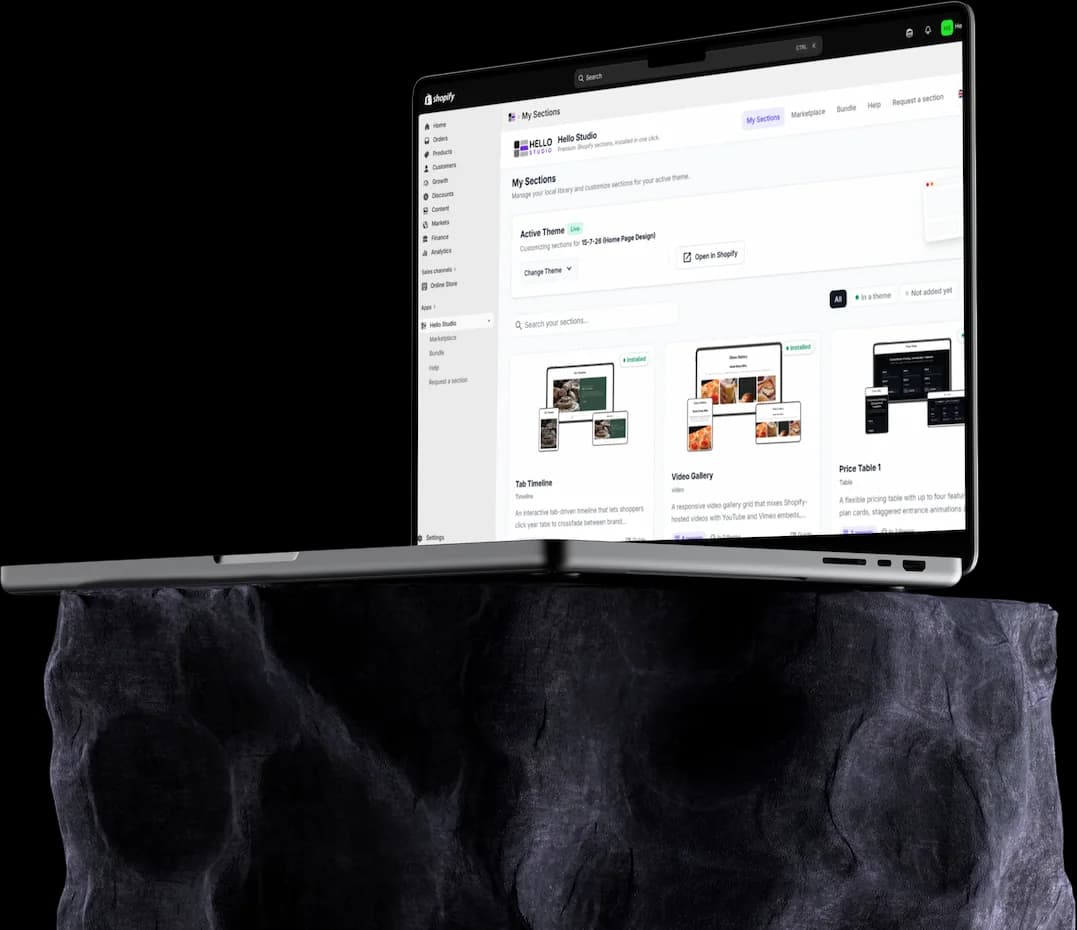
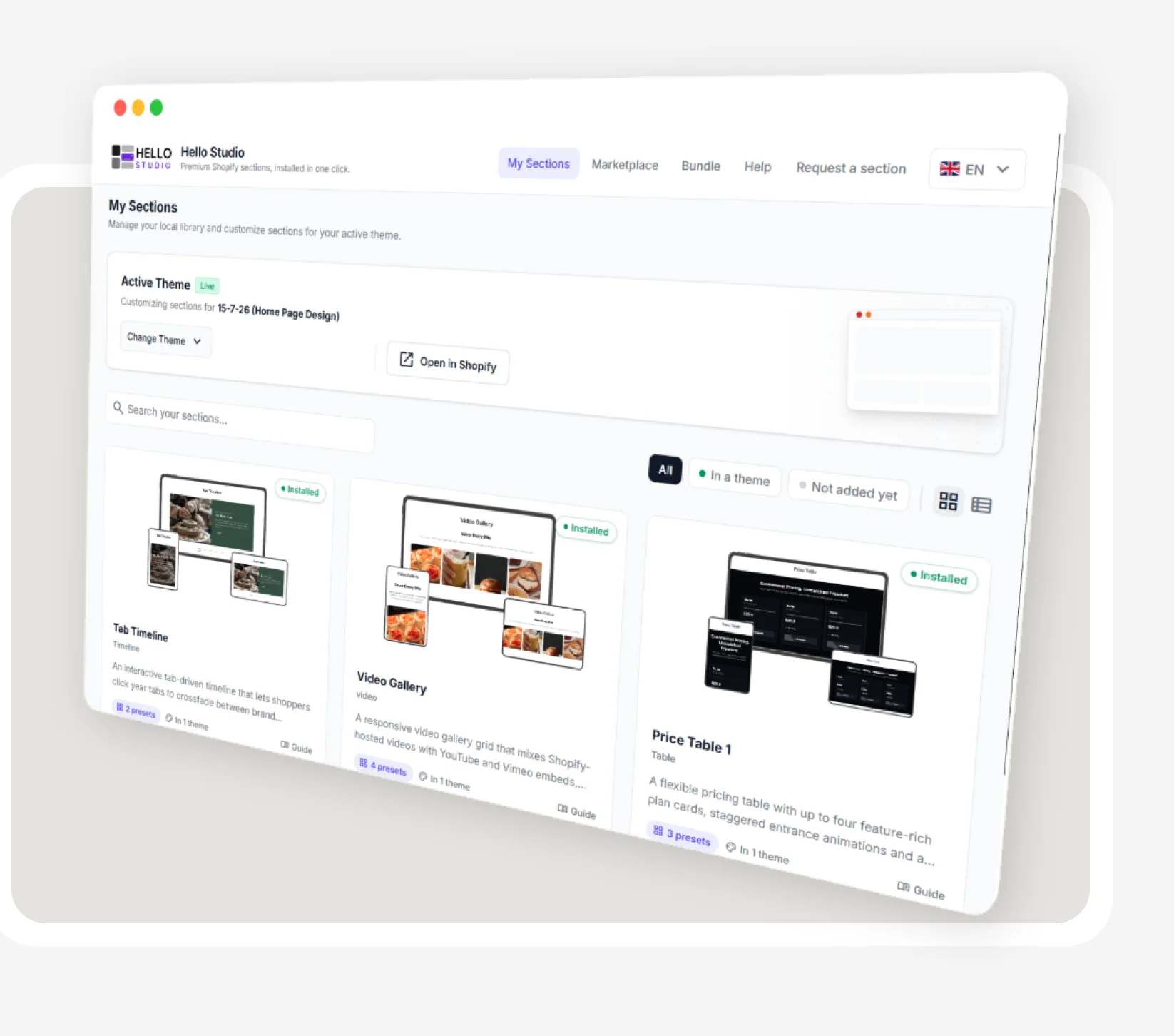
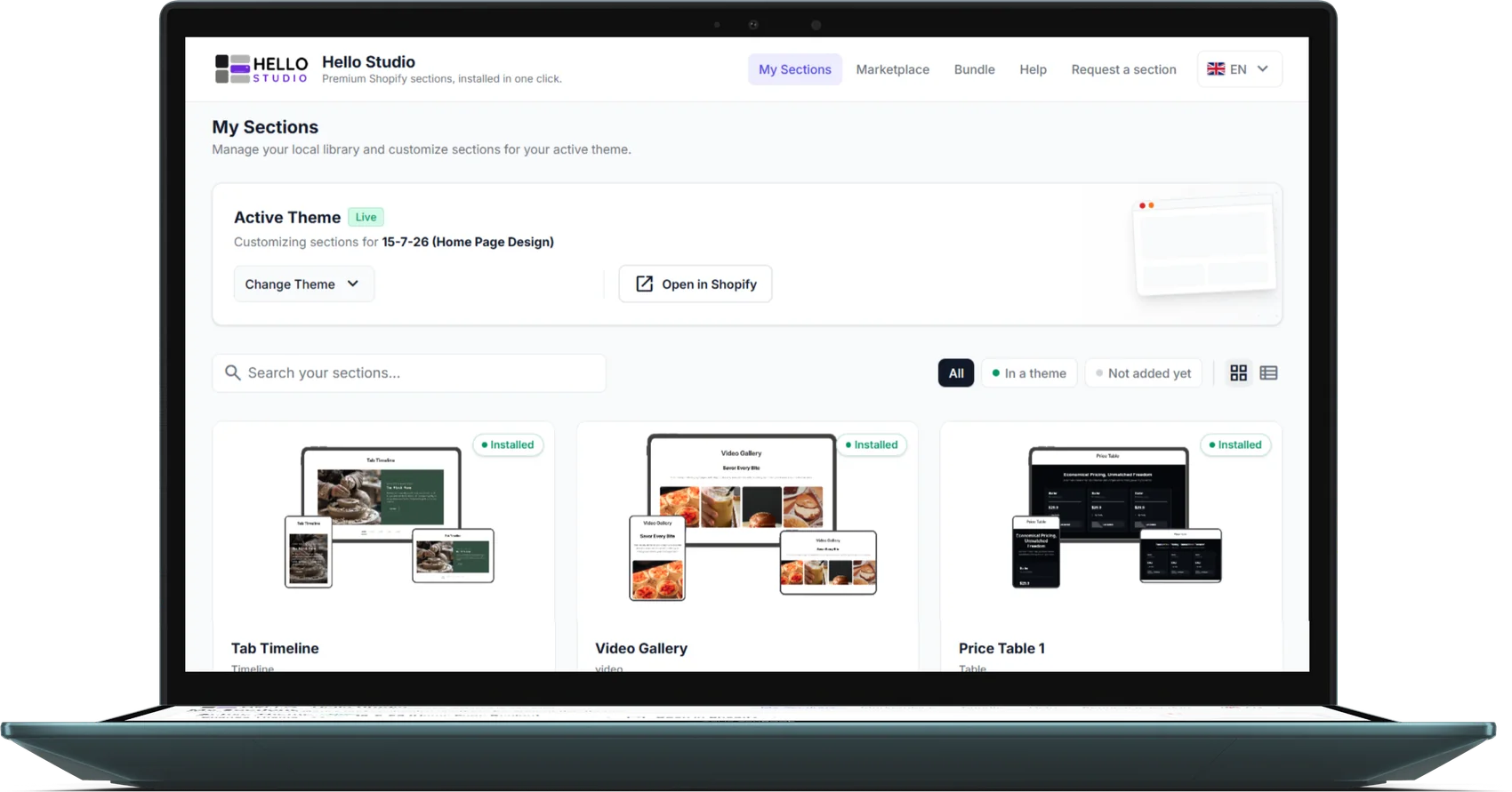
My Sections shows what the merchant owns for the active theme: which sections are installed, how many presets each has, and how many themes it is in — with search and In a theme / Not added yet filters.
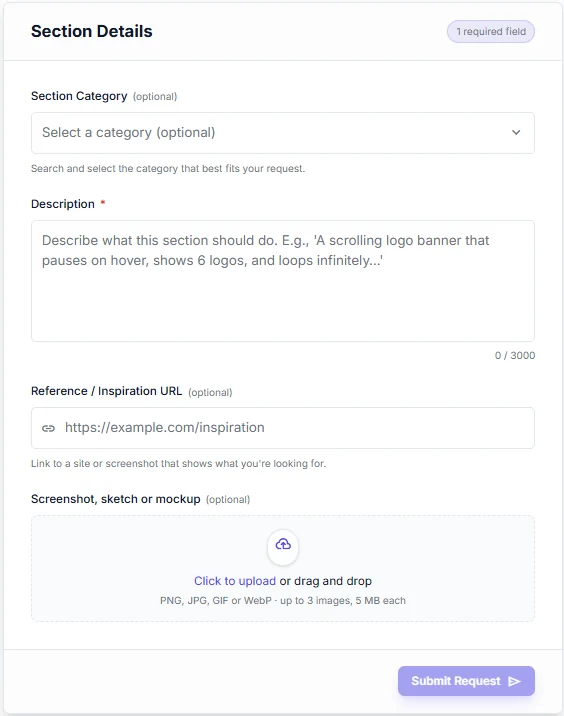
6Request
Ask for what isn't there yet
When the catalogue lacks a section, merchants describe it, add a reference link and attach screenshots or sketches. Requests are recorded, not lost in a support thread.
04Bundles
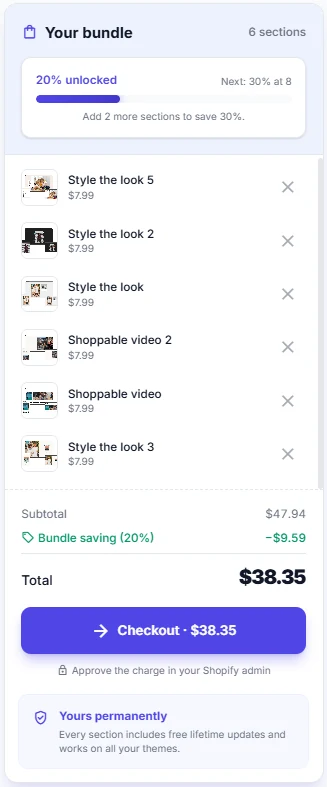
Buy more, pay less
Bundles turn several one-time purchases into one checkout, with a discount that climbs as sections are added. Try the ladder.
20% unlocked
- 10%from 3 sections
- 20%from 5 sections
- 30%from 8 sections
- 40%from 12 sections
- Subtotal · 5 × $7.99
- $39.95
- Bundle saving (20%)
- −$7.99
- Total, paid once
- $31.96
Add 3 more sections to save 30%.
Illustration using Hello Studio's flat $7.99 price and its bundle tiers. In the app, totals are recomputed on the server at quote time and again at checkout.
05Core journey
From browsing to live in the theme
The path the app is designed around — four steps, all inside the Shopify admin.
- 01
Installation
Hello Studio installs from Shopify and opens in the admin, on the merchant's active theme.
- 02
Section selection
The merchant browses the Marketplace, filters by category and previews sections on every device.
- 03
Section configuration
Presets and settings are visible before purchase; free sections are added at once, premium ones bought once through Shopify billing.
- 04
Implementation
The chosen presets are written into the theme as Liquid files and appear in the theme editor like any other section.
06Screens
In the frame
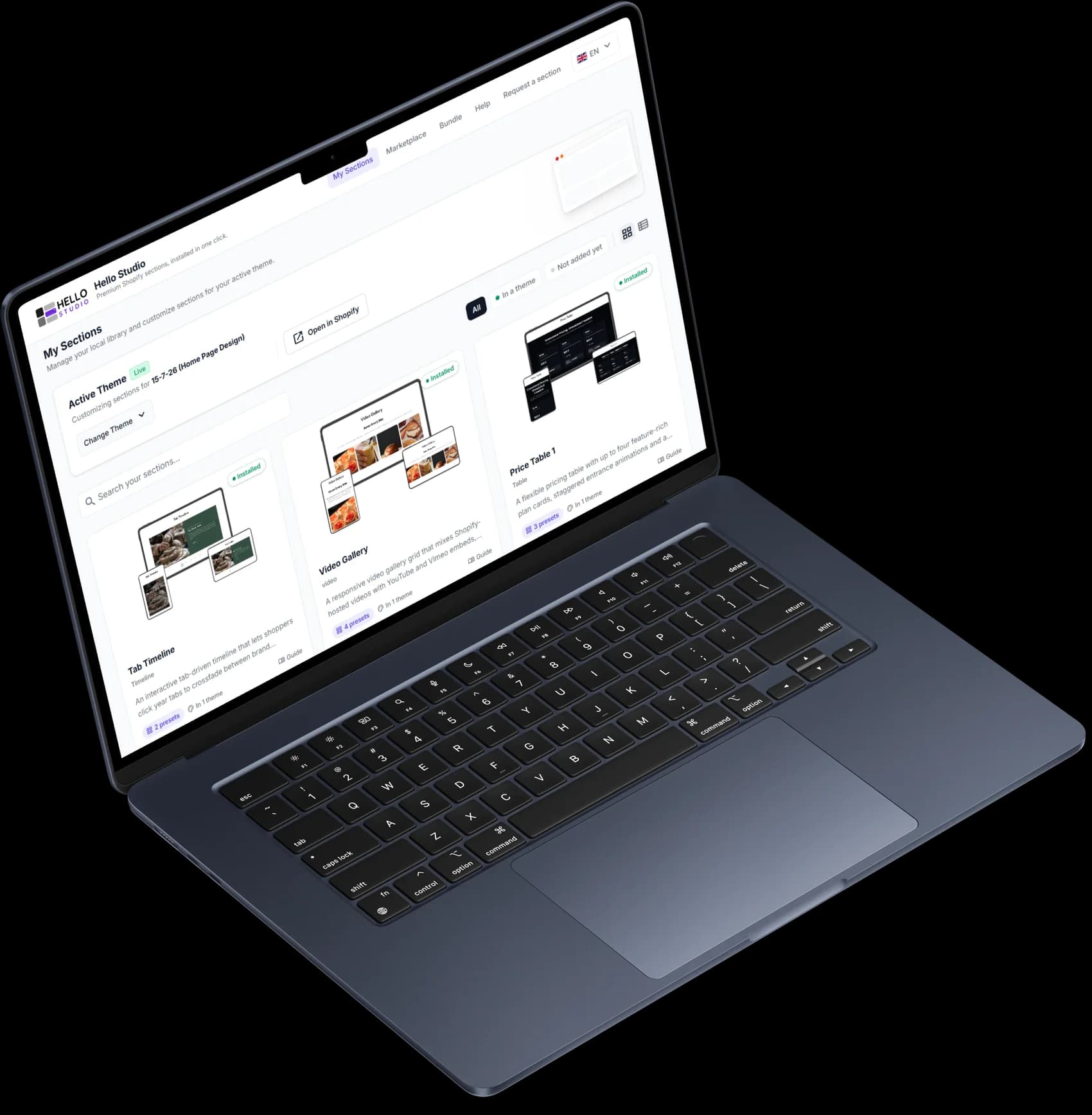
My Sections, on the active theme
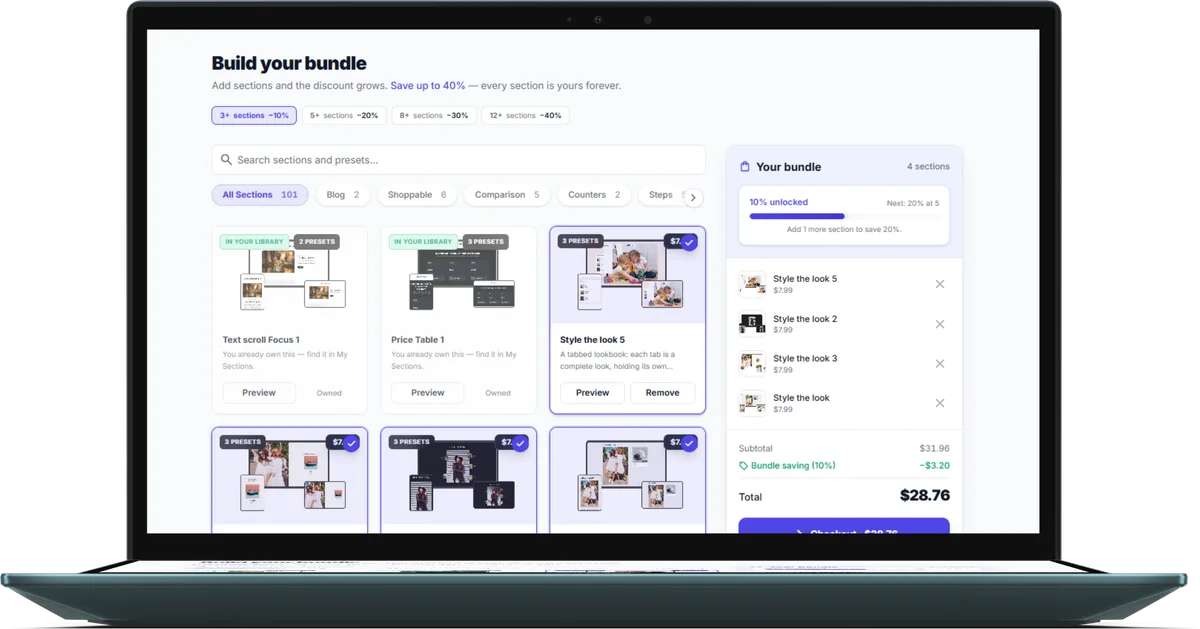
Build your bundle
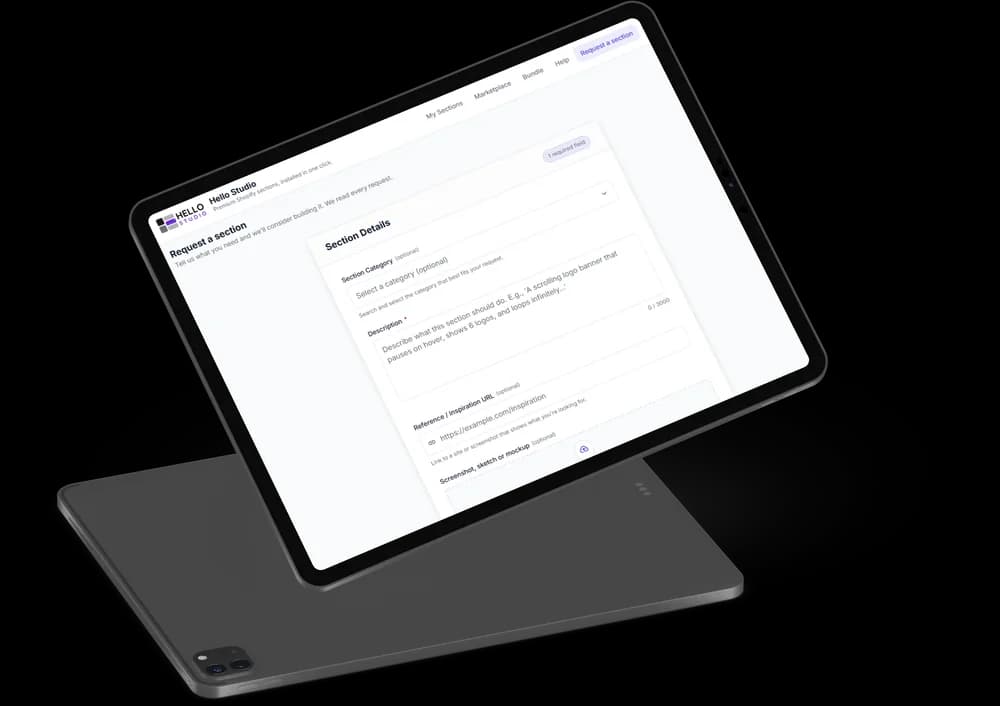
Request a section
Marketplace
My Sections on tablet
07Under the hood
Native Liquid, yours for good
“Buy it and own it” only holds if installation works a particular way. These are the decisions behind it, from the app's code.
- 01
Written into the theme, not rendered by the app
Installation writes each preset into the merchant's theme through Shopify's themeFilesUpsert mutation. There is deliberately no storefront script, so sections keep working after uninstall.
- 02
One gate for every paid install
A single entitlement check guards every path that can put Liquid into a theme, so there is no route to a paid section that skips payment.
- 03
Prices never trusted from the browser
Bundle totals are recomputed from the database at quote time and again at checkout; one-time purchases are confirmed by Shopify's purchase webhook, not the return redirect.
- 04
Safe to install twice
Writing a named theme file is idempotent: reinstalling replaces the section instead of duplicating it.
- Remix
- React
- App Bridge
- Tailwind CSS
- MongoDB
- Prisma
- Shopify Billing API
- Admin GraphQL API
08Design system
Calm by design

Clarity over decoration
Heavy decoration removed and contrast reduced for a calm, airy read; white space and thin rules carry the structure.

Subtle typography hierarchy
Light, clean type with generous line height. Bold only where it serves structure; headings large enough to breathe.

Airy structure
Thin rules between sections, generous padding and a light ground keep the mood calm and modern.
Quicksand
12 · 16 · 20 · 24 · 30 · 32px
Headings
Inter
12 · 16 · 20 · 24px
Body and subheadings
09Services
Need something like this?
Hello Studio is HelloDevs' own product. The same team builds Shopify apps, sections and storefronts for merchants and agencies.
- Shopify app developmentEmbedded admin apps with Shopify billing, theme integration and the privacy webhooks App Store review expects — public or custom.
- Shopify theme developmentOnline Store 2.0 themes and custom sections your team edits in the theme editor, with no code to touch.
- Shopify developmentStore builds, integrations and performance work across the whole Shopify platform.
- Hire a Shopify app developerA dedicated developer for an app you already run, or for steady feature work.
10FAQ
Questions, answered
Still have a question?
Ask about Hello Studio, or about building something like it.
About Hello Studio
What is Hello Studio?
Hello Studio is a Shopify app that works as a marketplace of ready-made theme sections. Merchants browse sections inside the Shopify admin, add free ones instantly or buy premium ones once, and install them into any of their themes in one click. Every section is native Liquid, with no page-builder layer and no app script on the storefront.
Do I need to know how to code to add a section to my Shopify theme?
No. Installing a section writes the file into the theme for you. Text, images, colours, spacing and layout are then customised in Shopify's own theme editor, like any section that shipped with the theme.
Will a sections app slow down my Shopify store?
Not this one. Hello Studio's sections become part of the theme instead of loading from an external server, so there is no app script, no external request and no render blocking. A section only loads its CSS and JavaScript on the pages where it is actually placed.
Which Shopify themes does Hello Studio support?
Any Online Store 2.0 theme — Dawn, Refresh, Craft, Sense and most paid themes released since mid-2021. Sections are written to the theme's sections folder and appear in the theme editor's Add section menu. Older vintage themes are not supported.
What happens to the sections if the app is uninstalled?
They keep working. The section files live in the merchant's theme, not on Hello Studio's servers, so uninstalling the app changes nothing on the storefront. Updates and new installs stop; nothing breaks or disappears.
Is Hello Studio a subscription?
No. Premium sections are a one-time charge, billed through Shopify, with no recurring fee and no expiry. A purchase covers every preset of that section, future updates, and use on every theme in the store. Free sections install the same way, with no card or trial.
What is a section preset?
A preset is a ready-made design variant of a section — the same section with a genuinely different layout. Presets never cost extra, and several can be installed side by side, each appearing as its own entry in the theme editor.
Is Hello Studio on the Shopify App Store?
Not yet. The app is built and deployed, and its App Store submission is pending.
Working with HelloDevs
Can HelloDevs build a Shopify app like Hello Studio for my business?
Yes. Hello Studio covers most of what a serious Shopify app needs — an embedded admin, one-time and bundle billing through Shopify, writing files into themes, and the mandatory privacy webhooks. We build the same for clients, as public App Store apps or custom apps for one store. See Shopify app development.
Can you build custom sections for our own Shopify theme?
Yes. Custom Online Store 2.0 sections that your team configures in the theme editor are a large part of our Shopify theme development work — the same kind of section Hello Studio sells, built for your brand alone.
How does a Shopify app safely add code to a merchant's theme?
Through Shopify's theme files API, with the merchant's permission. Hello Studio writes each preset as its own Liquid file, checks payment inside the same service that writes it, and overwrites rather than duplicates on reinstall. For storefront features that should disappear with the app, theme app extensions are usually the better tool — we choose per feature.
Who owns the code if HelloDevs builds our app?
You do, completely. The code lives in your repository from the first commit, so nothing about your product depends on us if you stop working with HelloDevs.
How do we start a project with HelloDevs?
Tell us what you are building through the contact form or at hello@hellodevs.co. If you need ongoing help rather than a project, you can also hire a Shopify app developer.
Next project
Building something for Shopify?
HelloDevs designs and builds Shopify apps, themes and storefronts. Tell us what you are working on.